Perler bead pattern maker
Turn an image into a perler bead pattern with brand color codes, bead counts, and a printable grid. No account needed.
Pattern preview
Choose an image or try a sample
How to use the perler bead pattern maker
01
Start with an image or a sample
Upload a PNG, JPEG, WebP, or GIF up to 20 MB, or choose a built-in sample. The image is decoded in your browser and sent to a Web Worker for conversion, so the selected image bytes do not go to a conversion server. A simple silhouette, bold icon, or pixel drawing usually survives a small grid better than a detailed photograph.
02
Set the grid, board layout, and palette
Choose Perler, Hama midi, Artkal S, Nabbi, or MARD from the available palette data. Set a rectangular board layout or choose a width from 10 to 100 beads. Set a maximum color count, then decide whether to use Floyd–Steinberg dithering. The preview reports occupied cells, total beads, board count, and an estimated size before ironing.
03
Edit, check, and export
Use the blank board, brush, eraser, color list, undo, and redo controls to refine a result. The export row creates a PNG preview, a PDF document, a CSV materials table, a materials text list, or a browser print view. Keep the downloaded files if you need to return after closing the tab.
Five bead brands with real palette counts
The maker reads palette records from craft-color-codes and maps every occupied cell to a code, name, approximate screen color, and quantity. The current datasets contain 103 Perler colors, 92 Hama colors, 199 Artkal colors, 30 Nabbi colors, and 291 MARD colors. These are palette record counts, not a promise that every color is in stock in a particular shop. Verify the manufacturer chart and your physical swatches before ordering.
The color table sorts used colors by quantity, which makes it easier to compare the generated list with beads already in a tray. Excluding colors or locking a replacement changes the conversion and the counts together.
Choose a board plan that matches the project
Board mode uses 29-by-29 pegboard units and lets you choose a rectangular board layout. Width mode accepts 10–100 beads wide and derives the height from the source aspect ratio. The preview keeps board boundaries visible and reports each board count, so a long design can be inspected before you buy supplies. A square board layout resizes the full image to the selected rectangle; use width mode when preserving proportions matters.
Displayed centimetres and inches are estimates based on 5 mm bead spacing before ironing. Pegboard tolerances, ironing temperature, and the joining method can change the final object.
Adjust an image before mapping colors
Cover and contain fit the current image to the selected framing, reset crop applies the full extent of the current image, and Remove background clears connected edge background pixels. Brightness, contrast, and saturation sliders provide a quick cleanup pass before color mapping. The controls stay disabled until an image exists, and the preview status explains when a pattern is still being converted.
These operations change the in-memory image used for the next conversion. They do not claim studio-grade retouching or a perfect cutout around enclosed regions.
Edit cells with a visible grid
A blank 29-by-29 board gives you a starting canvas for names, icons, and simple geometry. Select Brush and a palette color to place cells, or choose Eraser to clear them. Pointer strokes are kept as history entries so Undo removes a stroke and Redo restores it. The color list and board details remain beside the canvas while you check the work.
Editing works on the generated pattern in the browser. Refresh recovery stores the current pattern locally when storage is available; it does not provide cloud collaboration or an online account.
Export from the perler bead generator
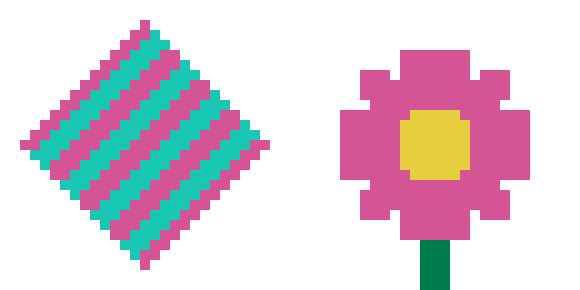
PNG is a visual reference with the grid, labels, board divisions, and color legend. PDF is generated from the same pattern data for a printable document. CSV contains one row per mapped color with brand, bead size, color code, color name, and required quantity for checking a project in a spreadsheet. Copy materials puts the current color list into the clipboard, and Print opens the browser print dialog with the preview and legend.
The files are generated from the current pattern state, so change settings or edit cells before exporting if you need a revised version. The tool does not promise manufacturer color calibration or a life-size print at every printer setting.
Find patterns and guides when you need a starting point
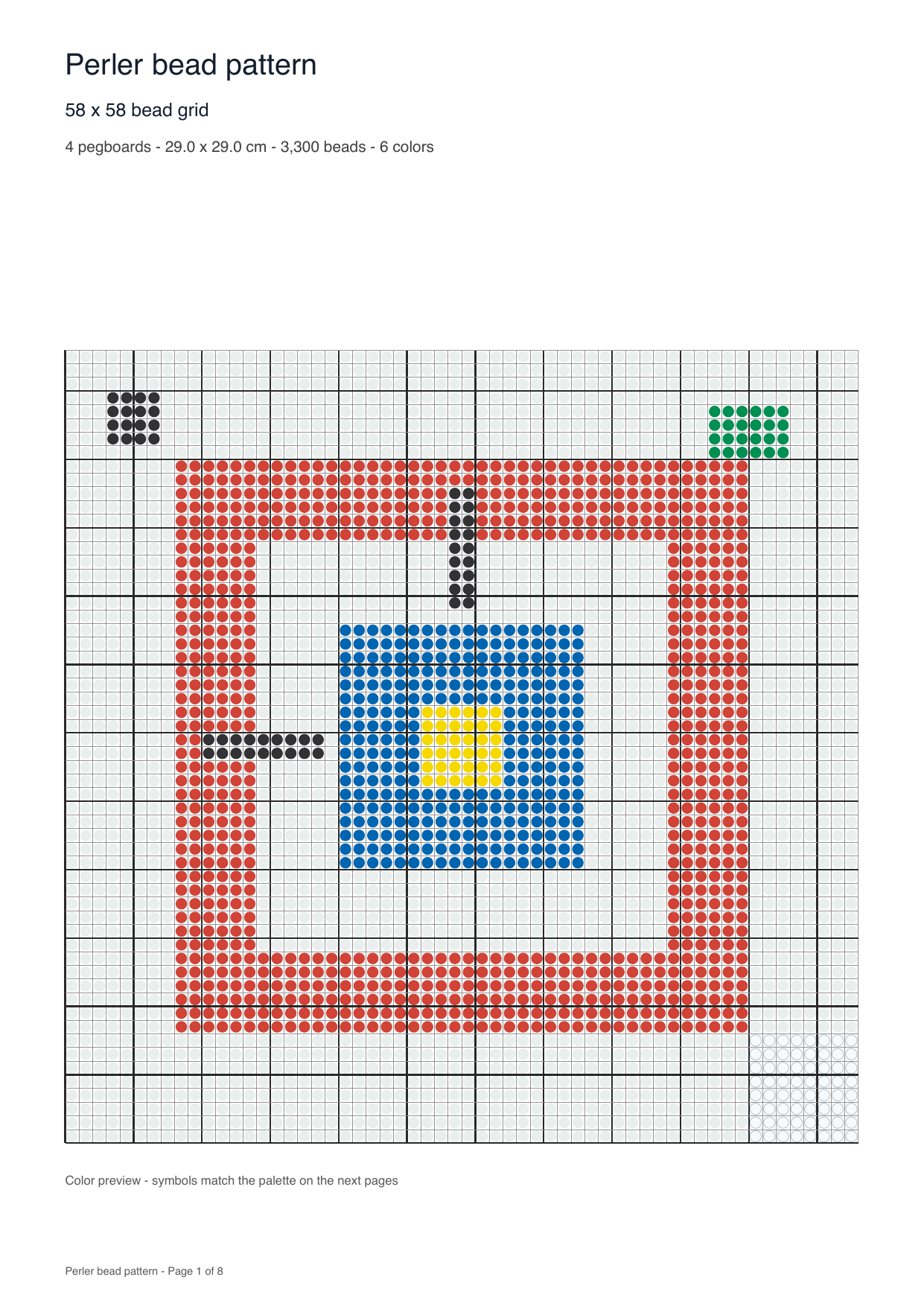
The pattern library links to animal, flower, geometric, ocean, space, and rainbow pages that can be read without an account. Those pages are useful when you know the subject but not the grid yet. The home workflow remains the place to test a sample, upload an image, select a brand, and inspect the resulting counts before making a purchase.
Use the library for ideas and the maker for a reproducible conversion. The pages do not imply that every pictured design is an official manufacturer template.
Fuse bead patterns to try
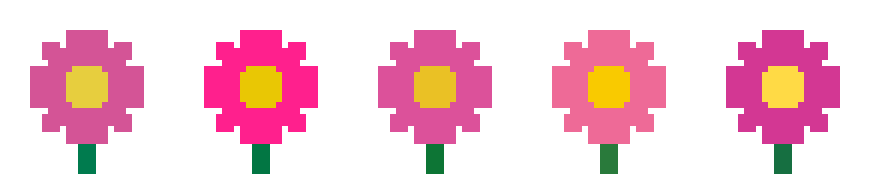
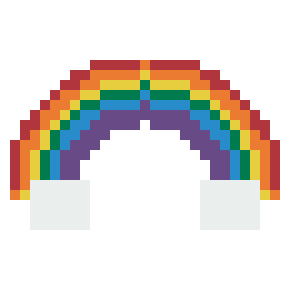
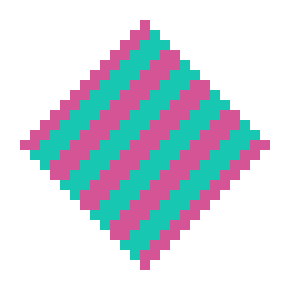
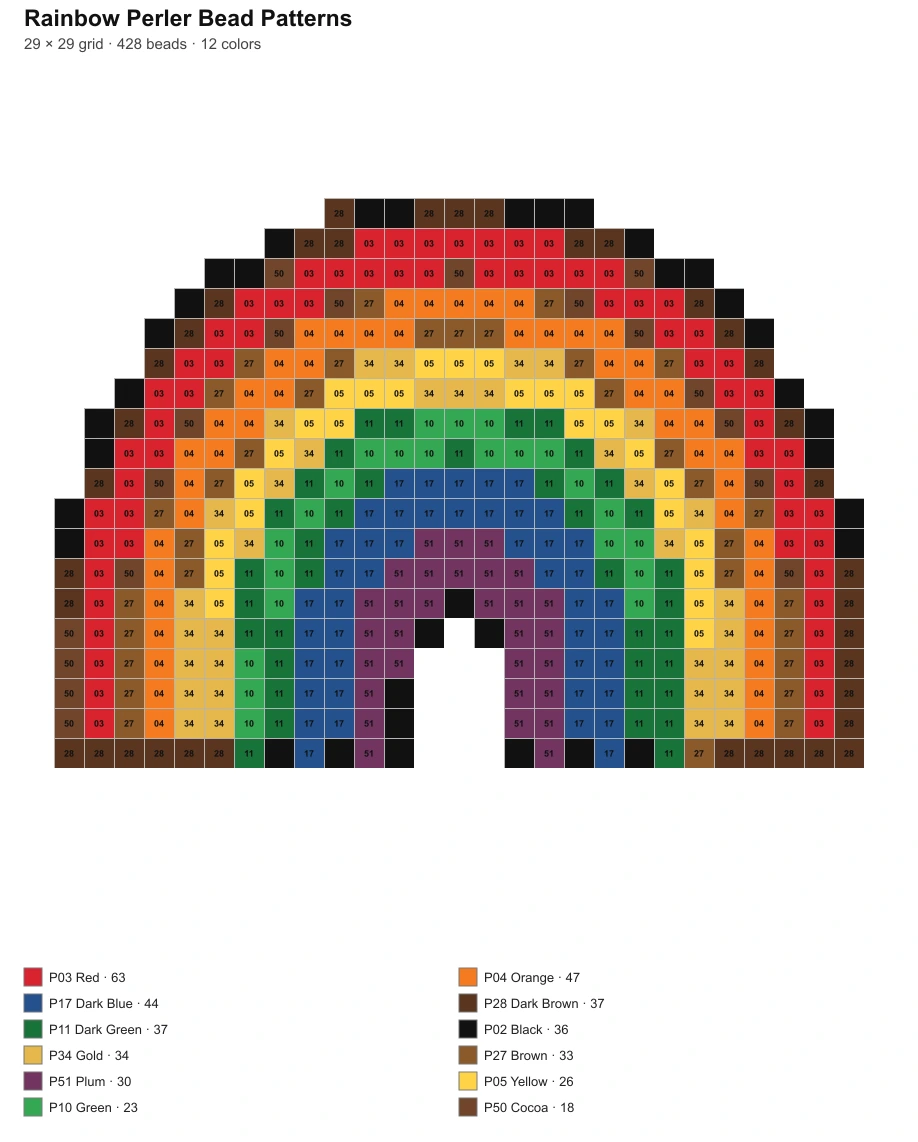
The built-in samples use the same browser engine as an uploaded image. Pick a flower, rainbow, or diamond to see a real grid, palette mapping, board count, and downloadable files before you start a personal project. The preview is a planning reference: screen colors approximate physical beads, and the finished size depends on bead spacing and fusing.
Questions about this perler bead pattern maker
Patterns
Choose a sample above to try a pattern, or upload your own picture.
 Cat Perler Beads
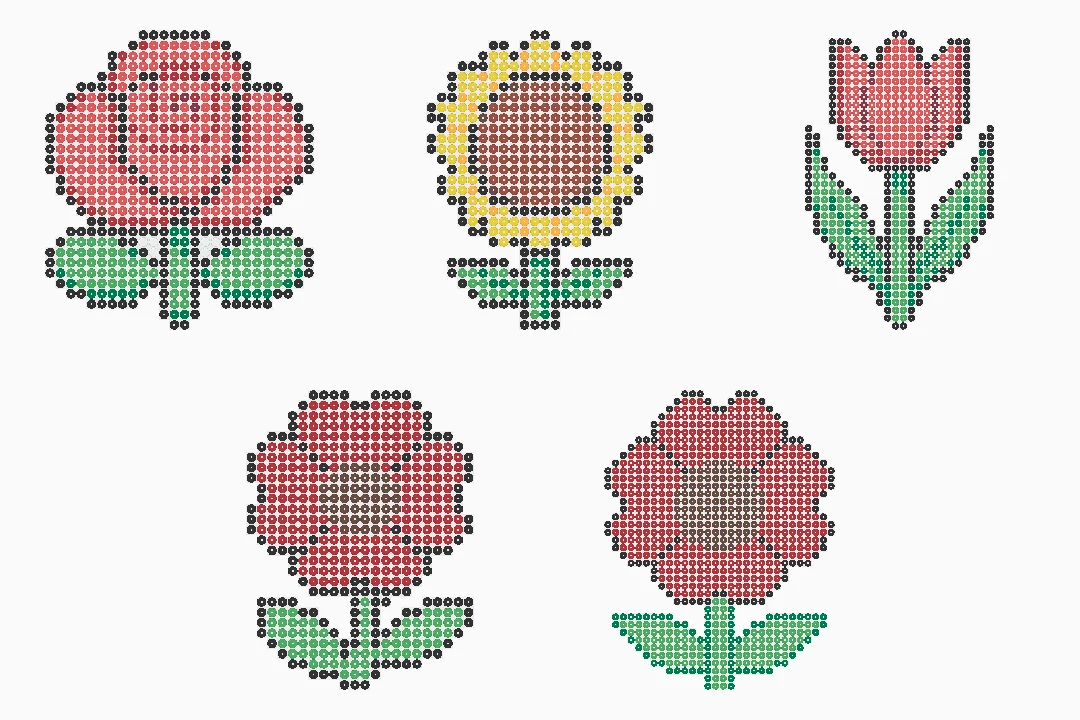 Flower Perler Beads: Rose, Sunflower, Tulip and Poppy
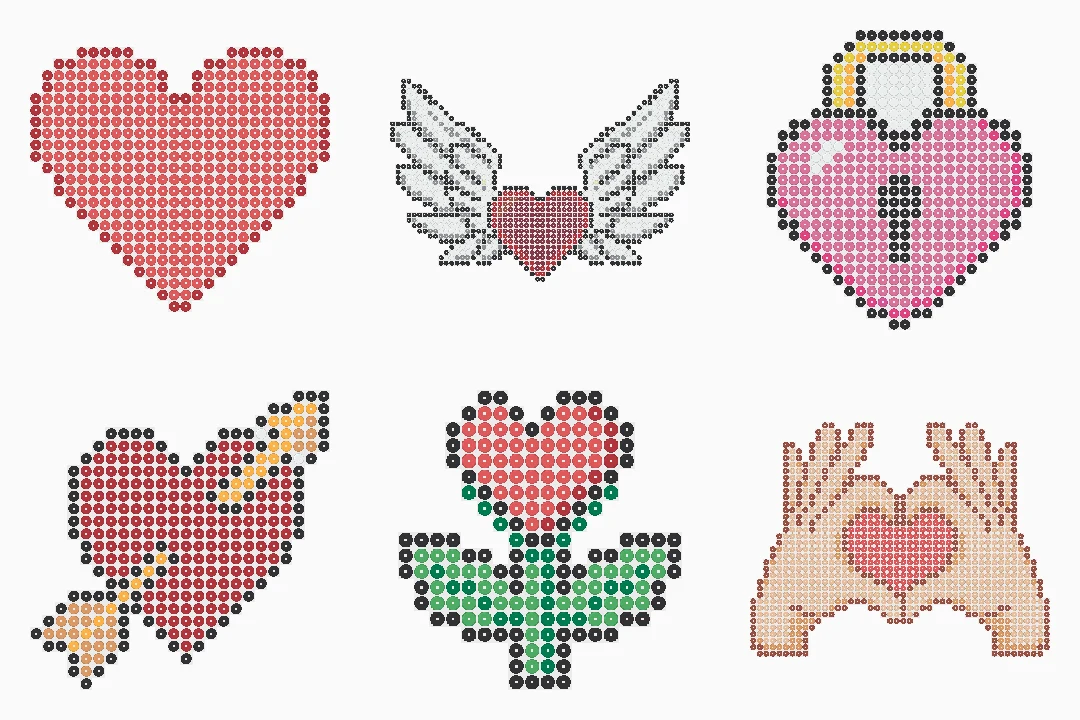 Heart Perler Beads
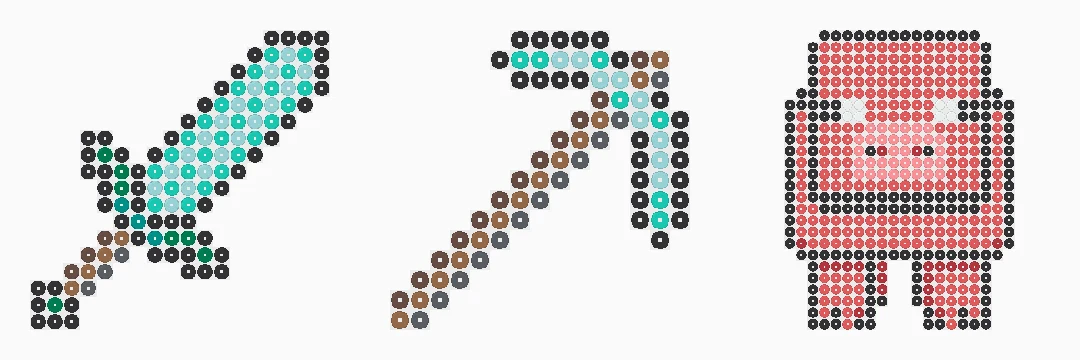 Minecraft Perler Beads
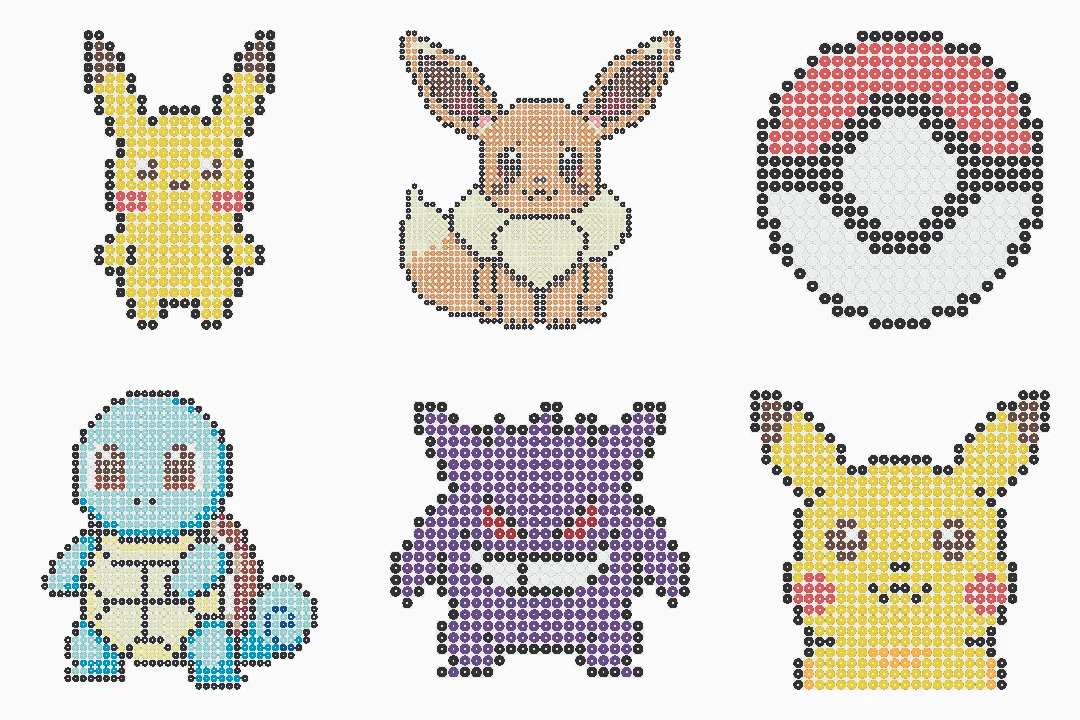 Pokemon Perler Beads
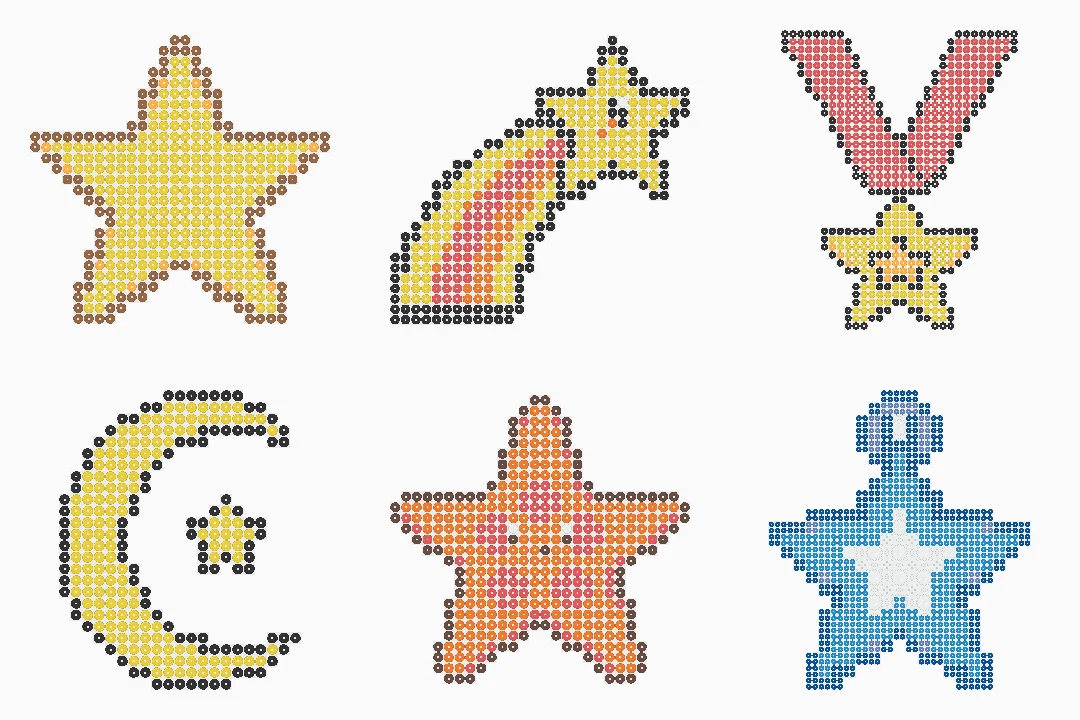 Perler Beads Star Patterns
Make your own perler bead pattern
Start with a sample or your own image, check the grid and quantities, then download the files you will use at your work table.