Perler Beads Star Patterns
Choose a Perler beads star pattern, check the beads and boards you need, and follow the picture to place each bead. Compare stars, shooting stars, moons, and a starfish before choosing your project. The patterns use 5mm Perler beads, with options for one board or four boards. You can open a pattern in Designer, change its colors, and download a PNG or PDF. Start with the design you want to make, then check its exact bead total rather than judging by the picture alone.
Open Designer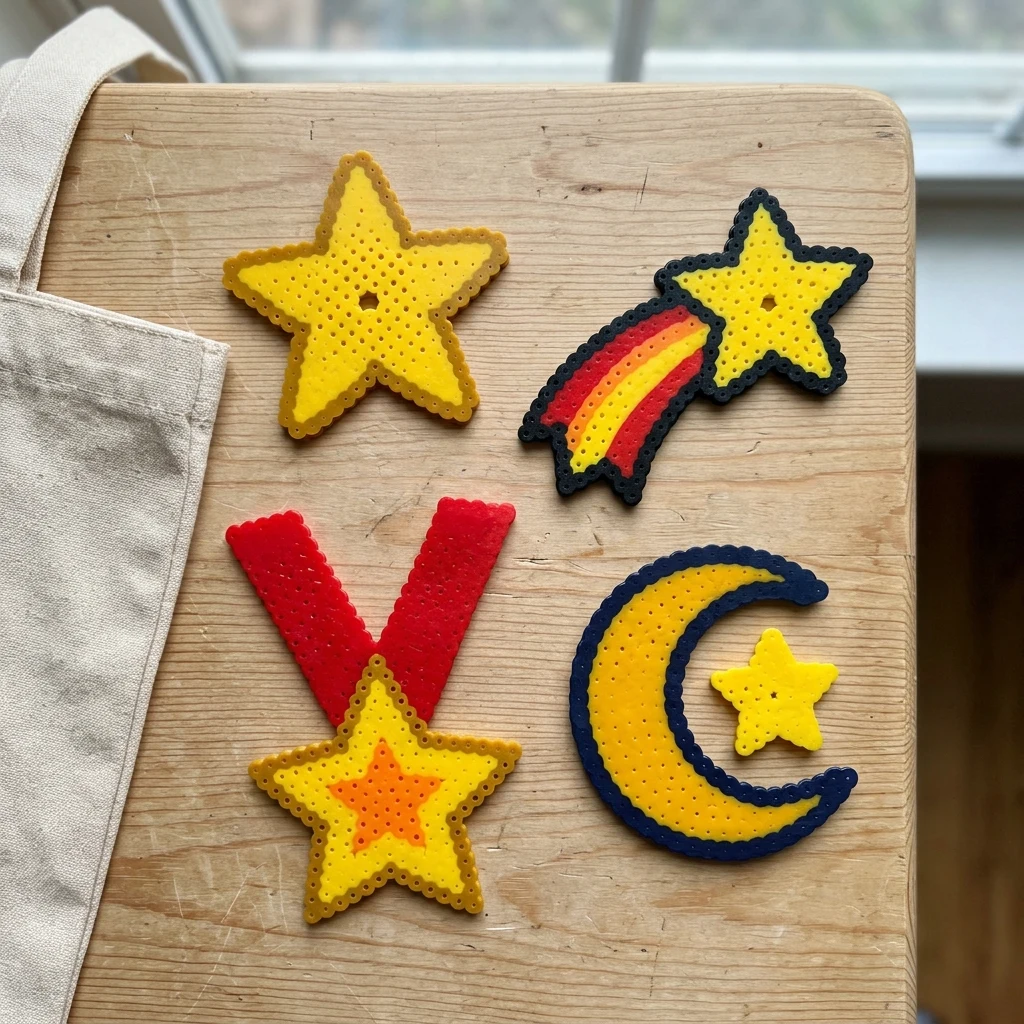
Compare before you choose
9
Patterns to choose from
266–1020
Beads per pattern
1–4
Boards per pattern
Choose a bead pattern
9 patterns

Which Star Pattern Do You Want to Make?
Compare designs
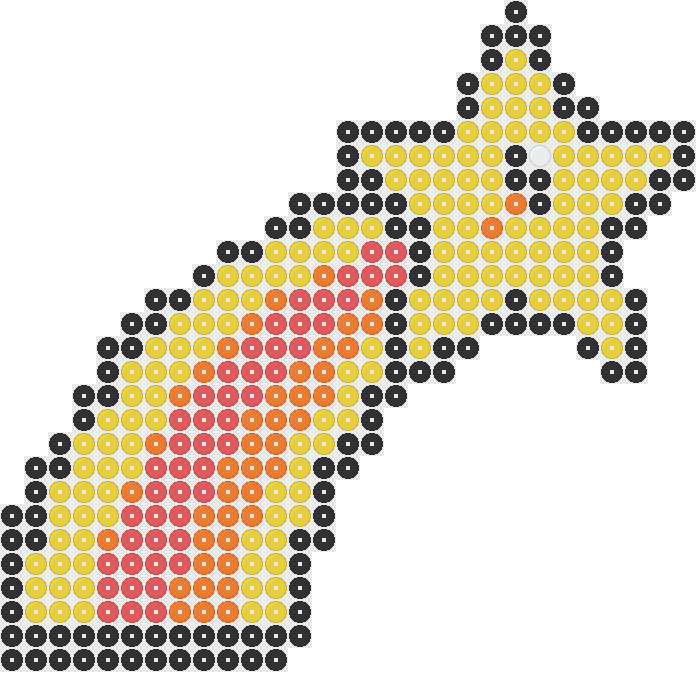
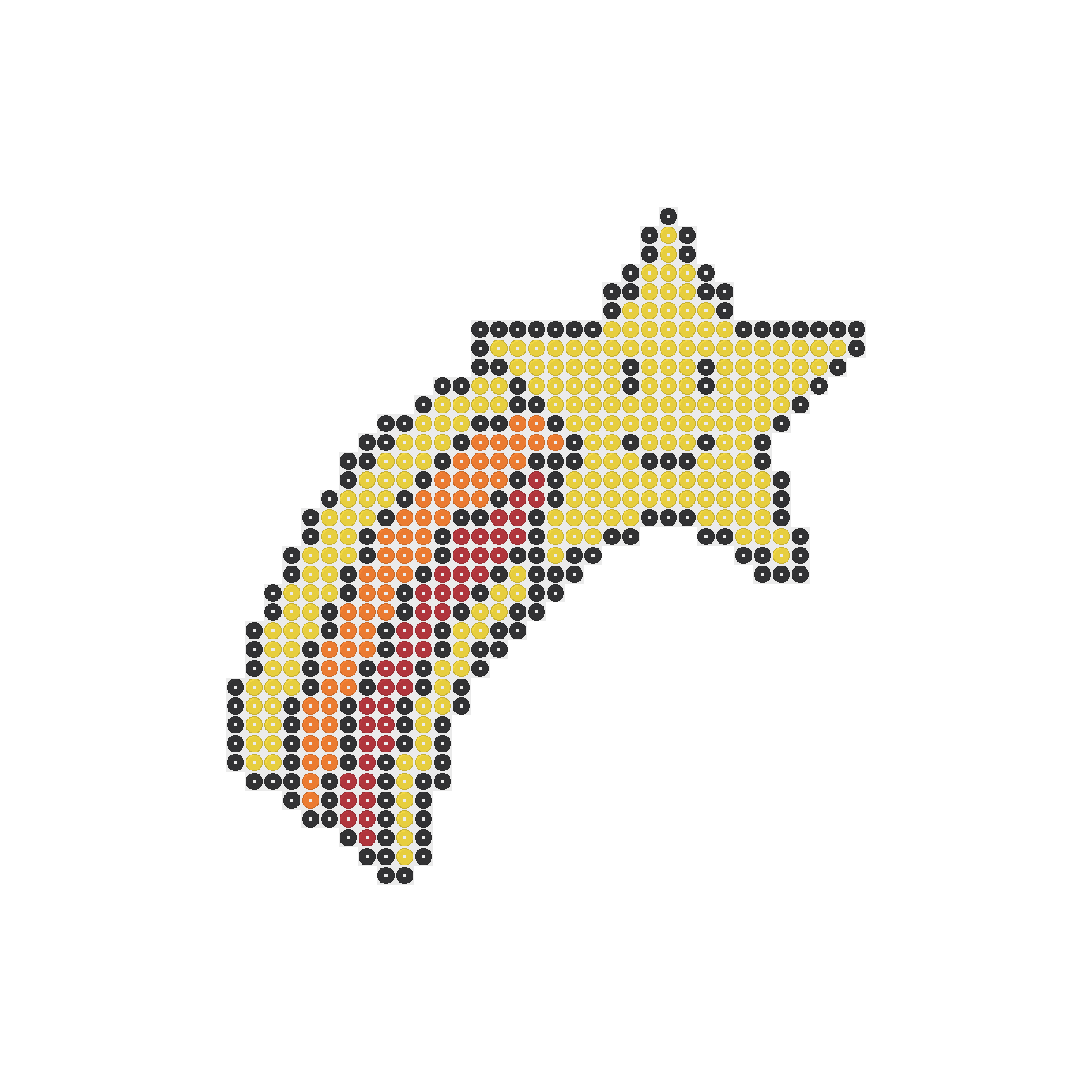
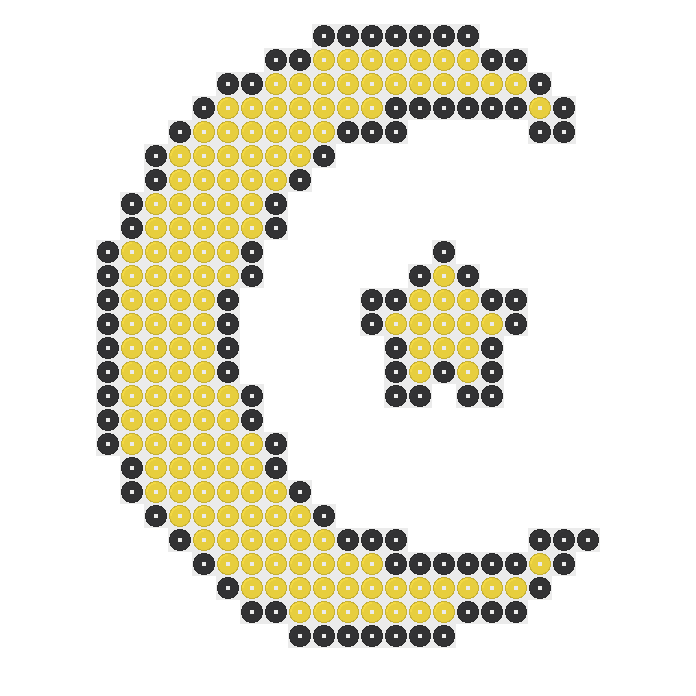
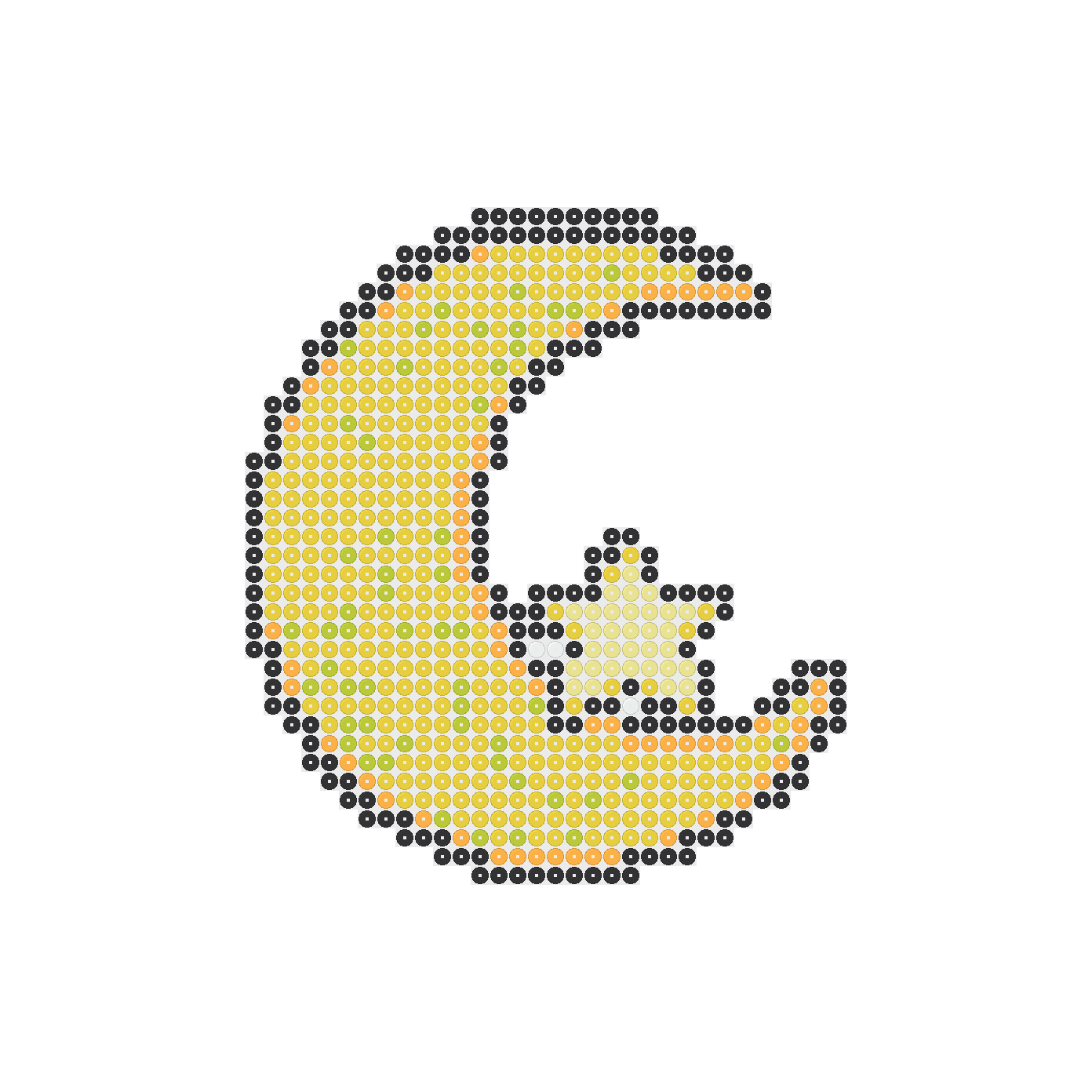
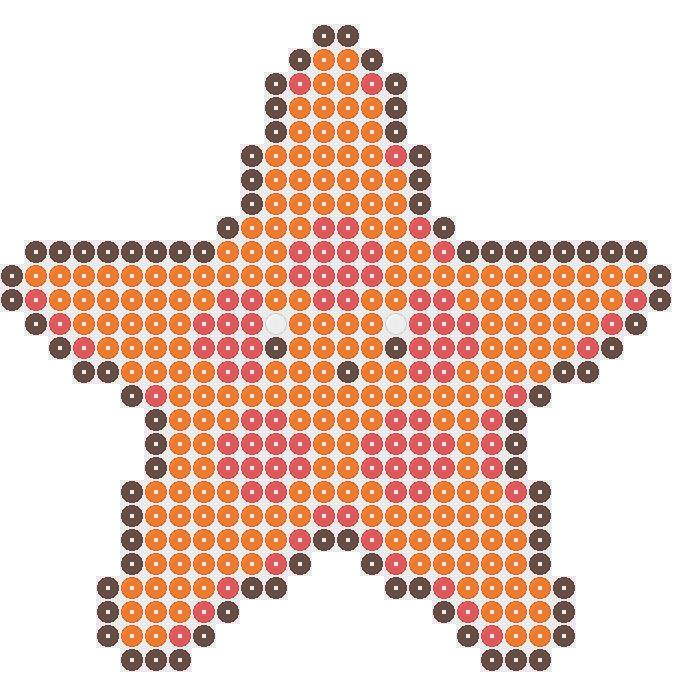
Choose a Perler beads star pattern by the subject you want to make, not just the space it uses. The star, shooting star, star and moon, and starfish offer different starting points. Compare their pattern pictures before deciding which shape you want to follow.
Check requirements
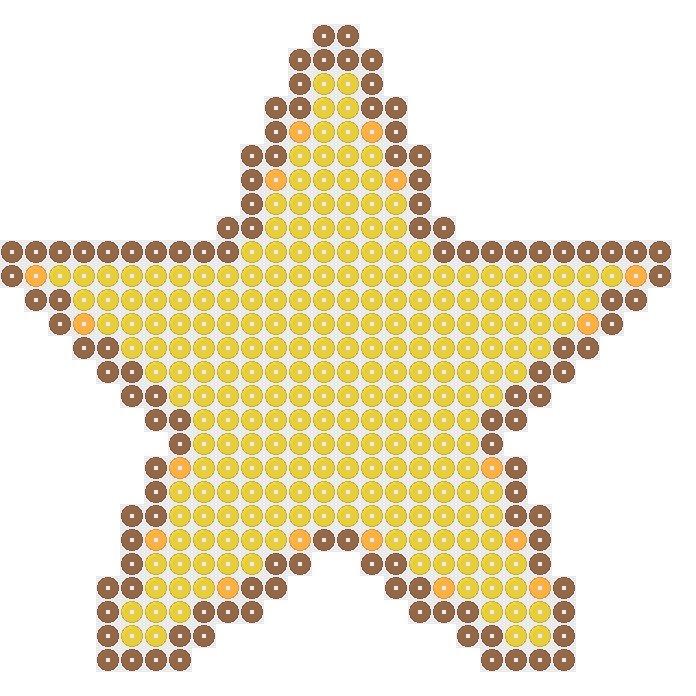
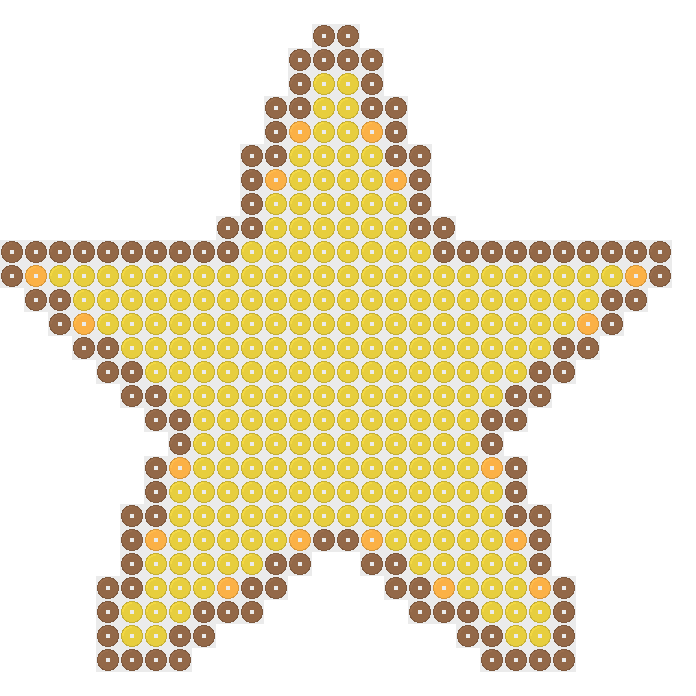
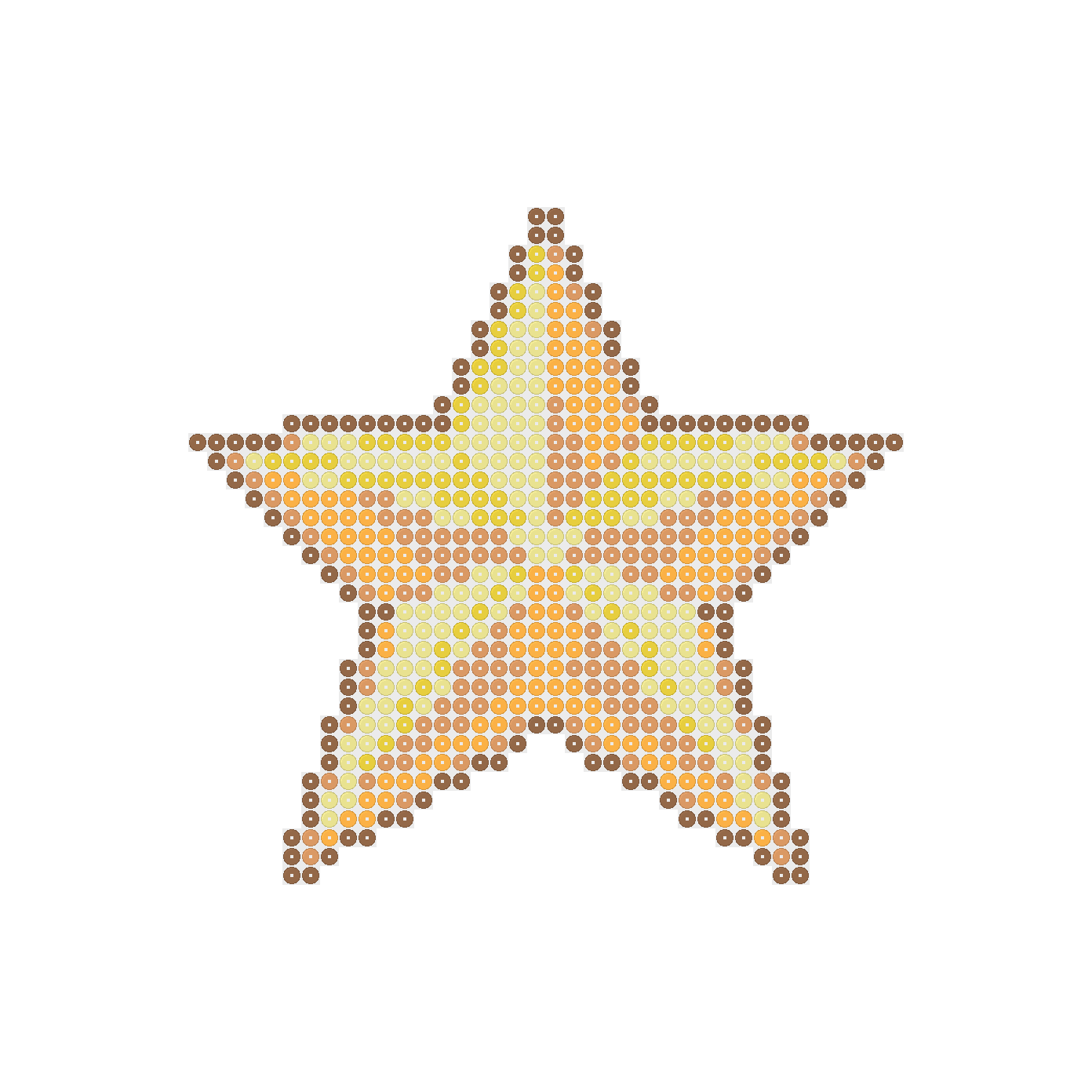
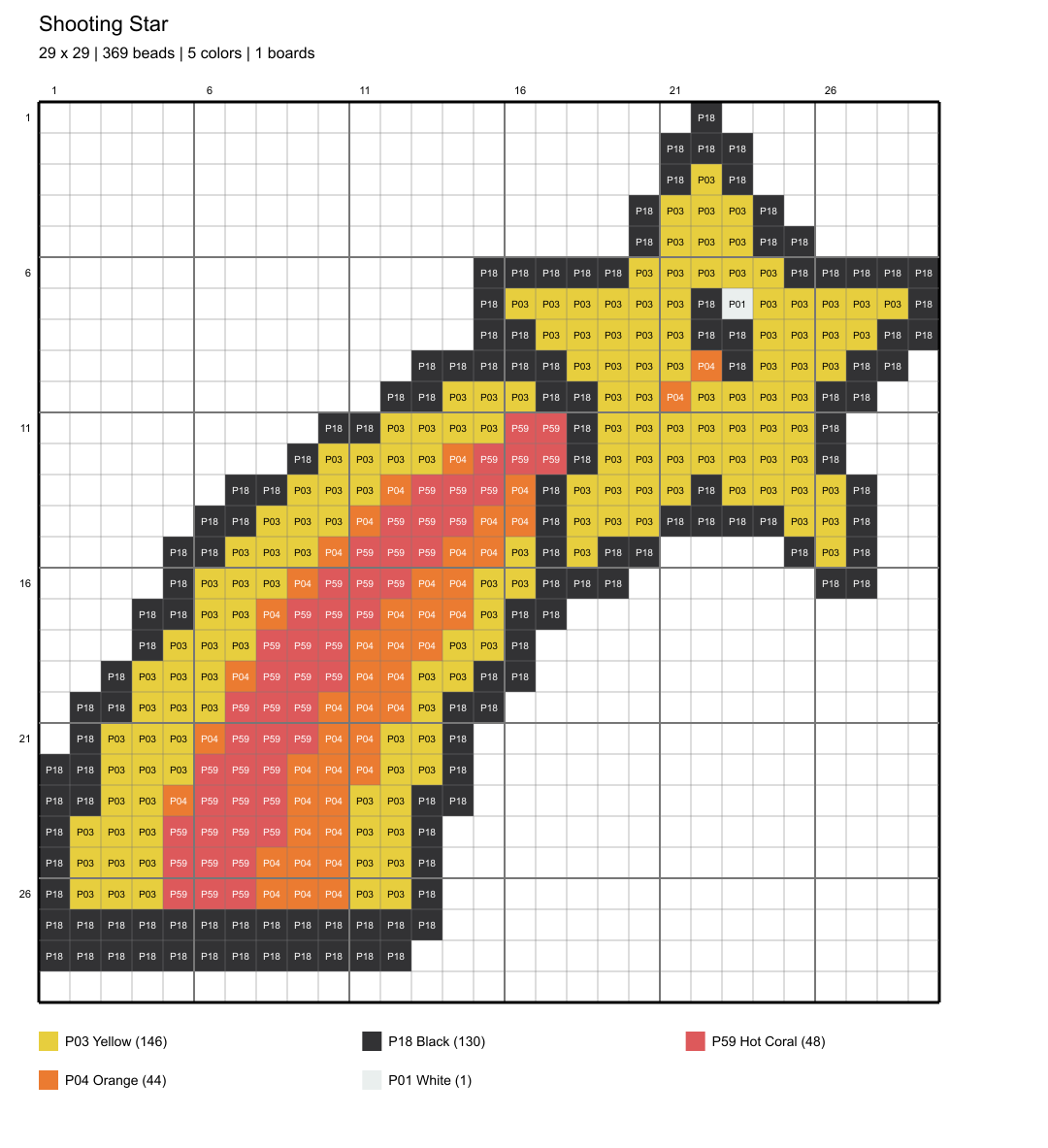
The 29×29 Perler beads star uses 384 beads in three colors, while the shooting star on the same size board uses 369 beads in five colors. These are different projects, not simply different names for the same chart. Decide whether you prefer fewer colors or fewer beads.
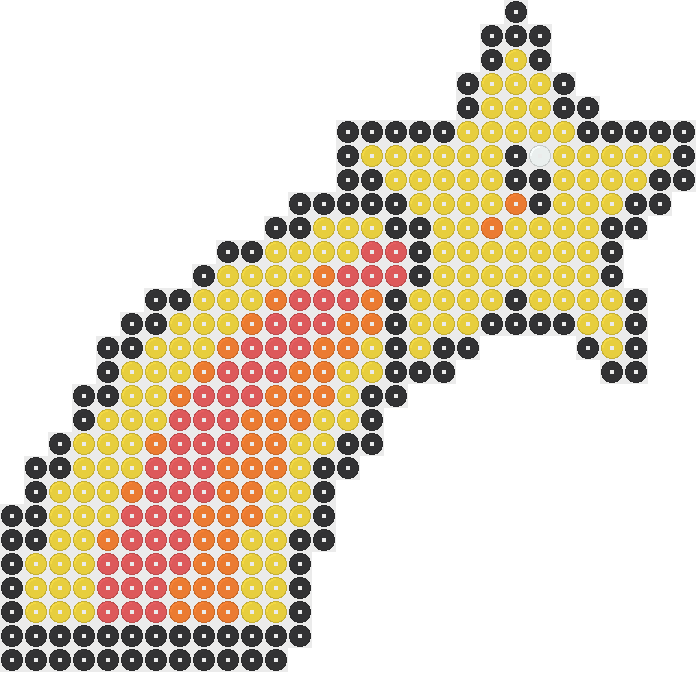
Choose your pattern
For another Perler beads star project, compare the star and moon with the starfish. Their 29×29 patterns use 266 and 392 beads respectively. The moon design needs two colors, while the starfish needs four, giving you another practical way to choose between the subjects.
How Many Beads and Which Colors Do You Need?
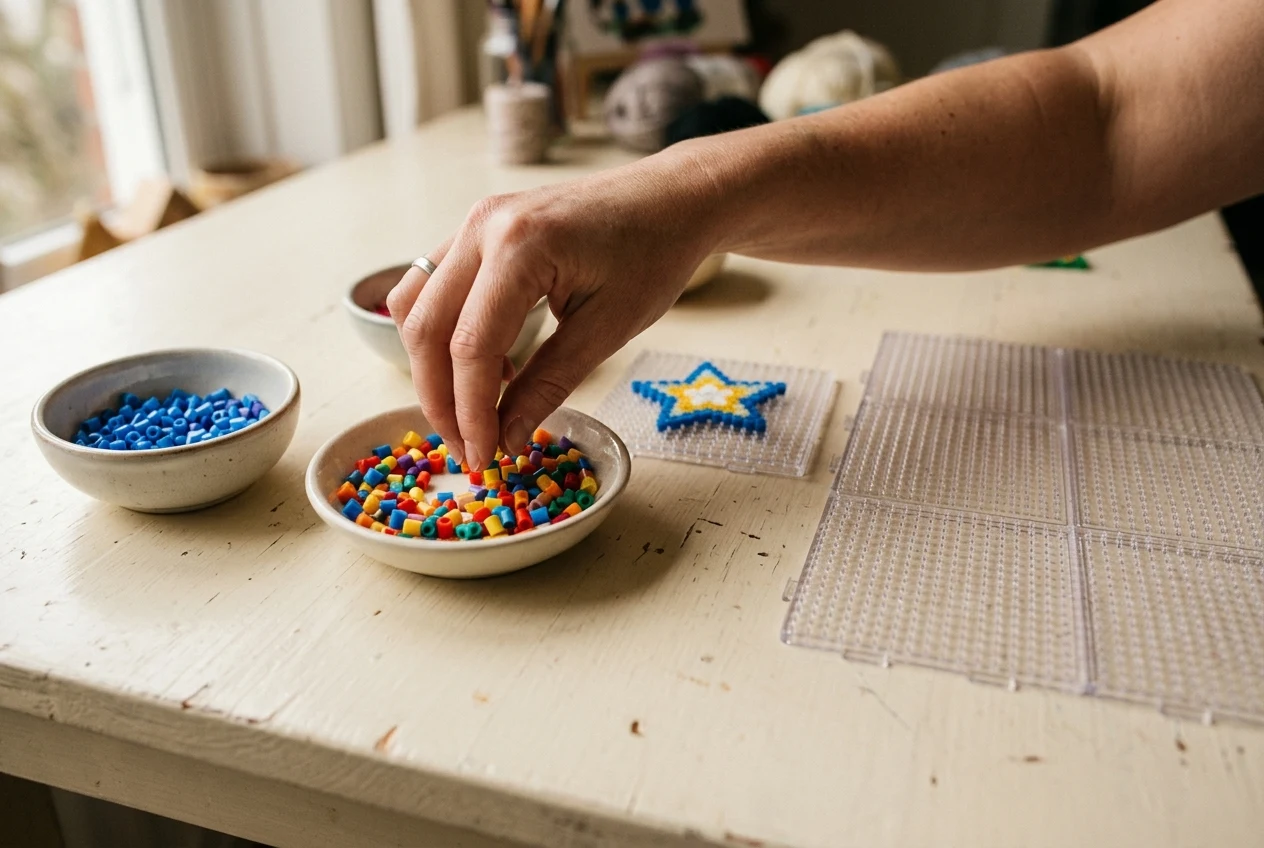
Sort your colors
Before starting a Perler beads star pattern, sort the colors it actually needs into separate containers. The 29×29 star calls for 248 Yellow beads, 119 Light Brown beads, and 17 Cheddar beads. Checking those amounts first helps you spot a shortage before placing any beads.
Check quantities
The 29×29 star and moon needs 159 Yellow beads and 107 Black beads. That makes it a useful choice when you want to work with just two colors. Keep the containers beside the board so you can follow the chart without searching through mixed beads.
Gather supplies
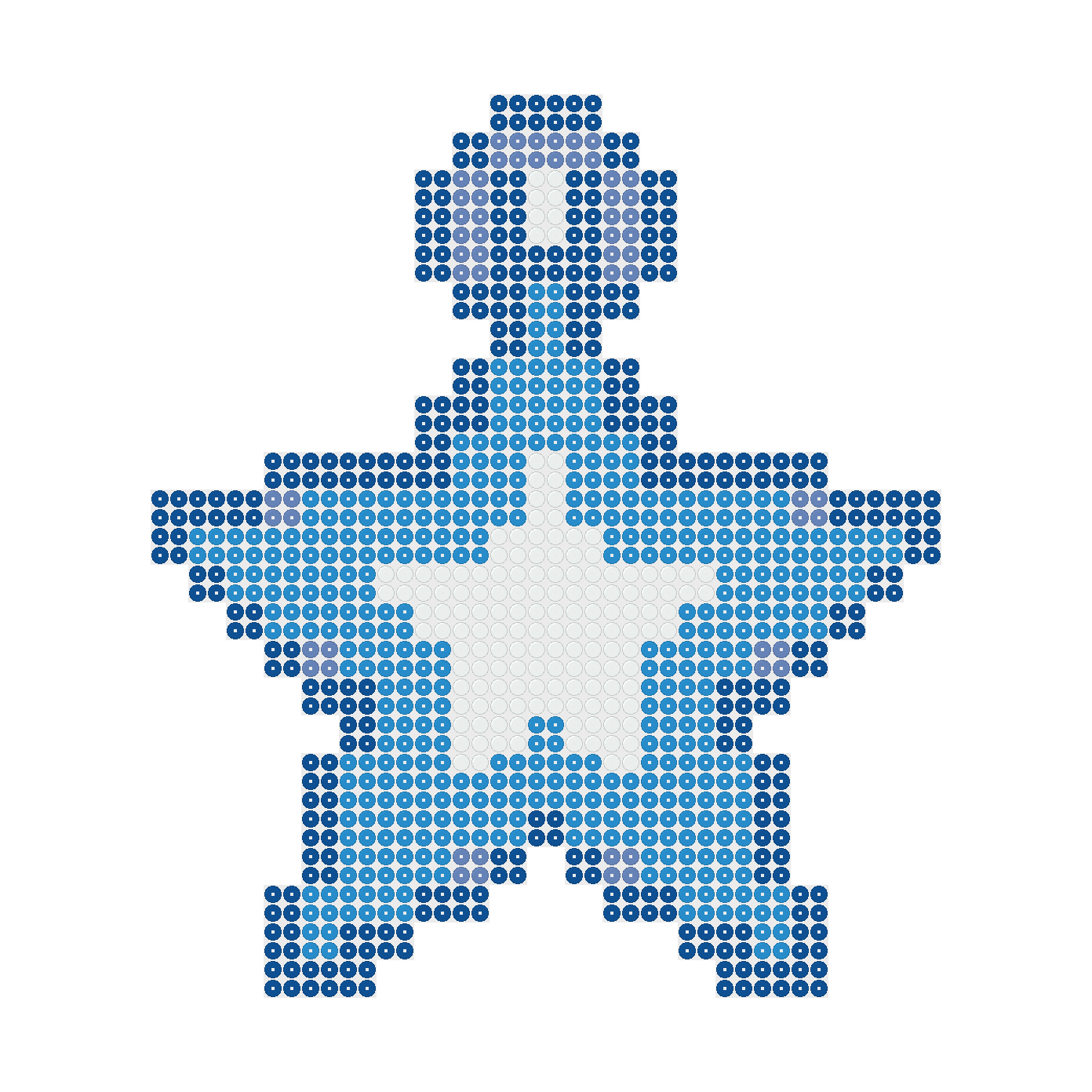
A different Perler beads star choice can change your shopping list considerably. The 58×58 star ornament uses 1,020 beads: 452 Light Blue, 356 Dark Blue, 152 White, and 60 Periwinkle Blue. All these approved patterns use 5mm beads, so check bead size as well as color.
Choose One Board or Four Boards
Check dimensions
A Perler beads star pattern in a 29×29 space uses one 29×29 board. A pattern in a 58×58 space uses four 29×29 boards arranged as a square. Gather the full board arrangement before starting, even when parts of the pattern space remain empty around the design.
Plan board space
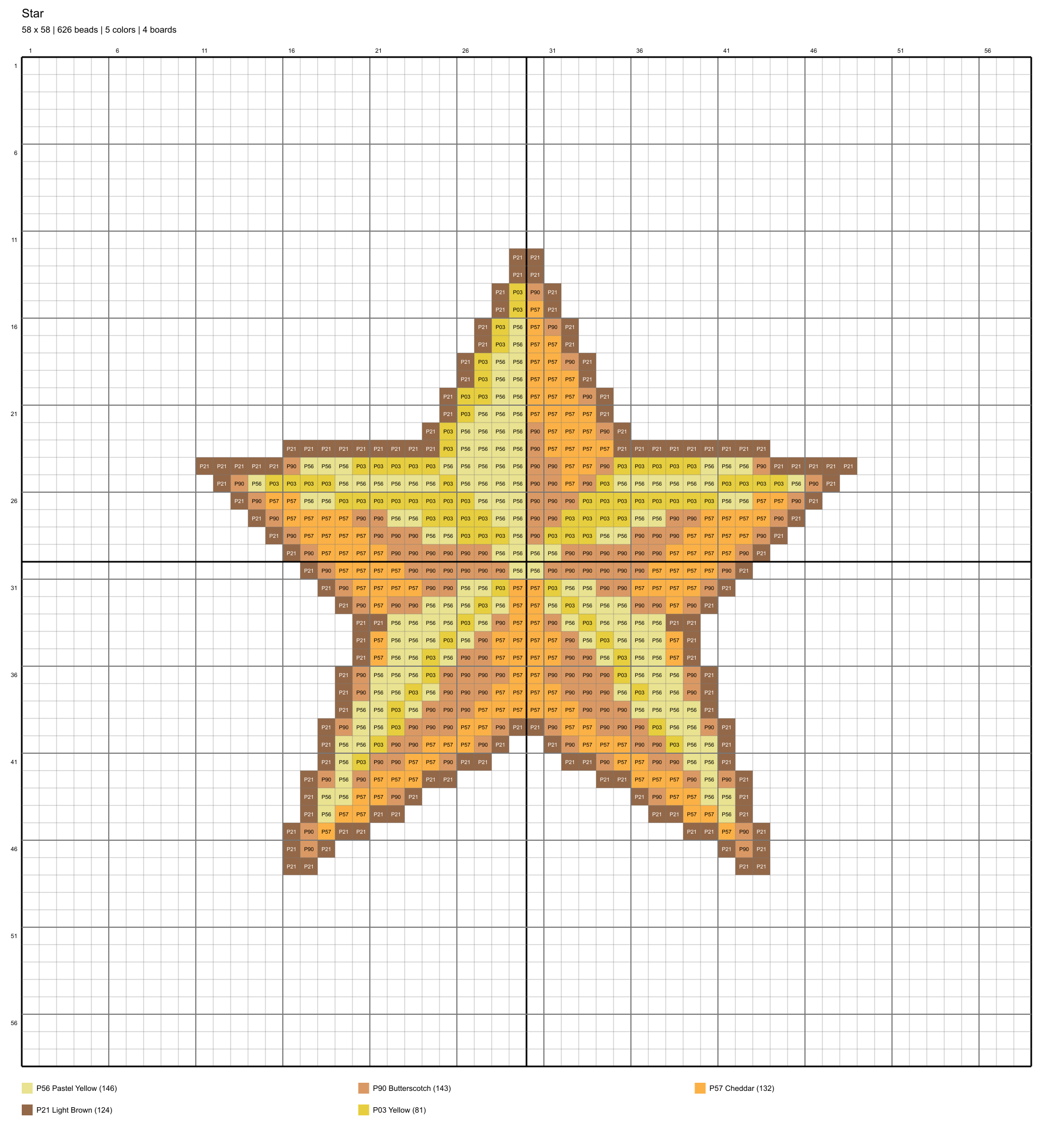
More board space does not tell you the exact number of beads needed. The 58×58 star uses 626 beads, while the shooting star in that space uses 508. The star medal uses 521. Compare the named design and its total rather than assuming every larger chart needs the same supplies.
Compare bead totals
When choosing your Perler beads star project, separate board capacity from the design total. A 29×29 board has 841 positions, and four boards have 3,364. You only need that many beads if every position is filled; these patterns leave unused positions that should stay empty.
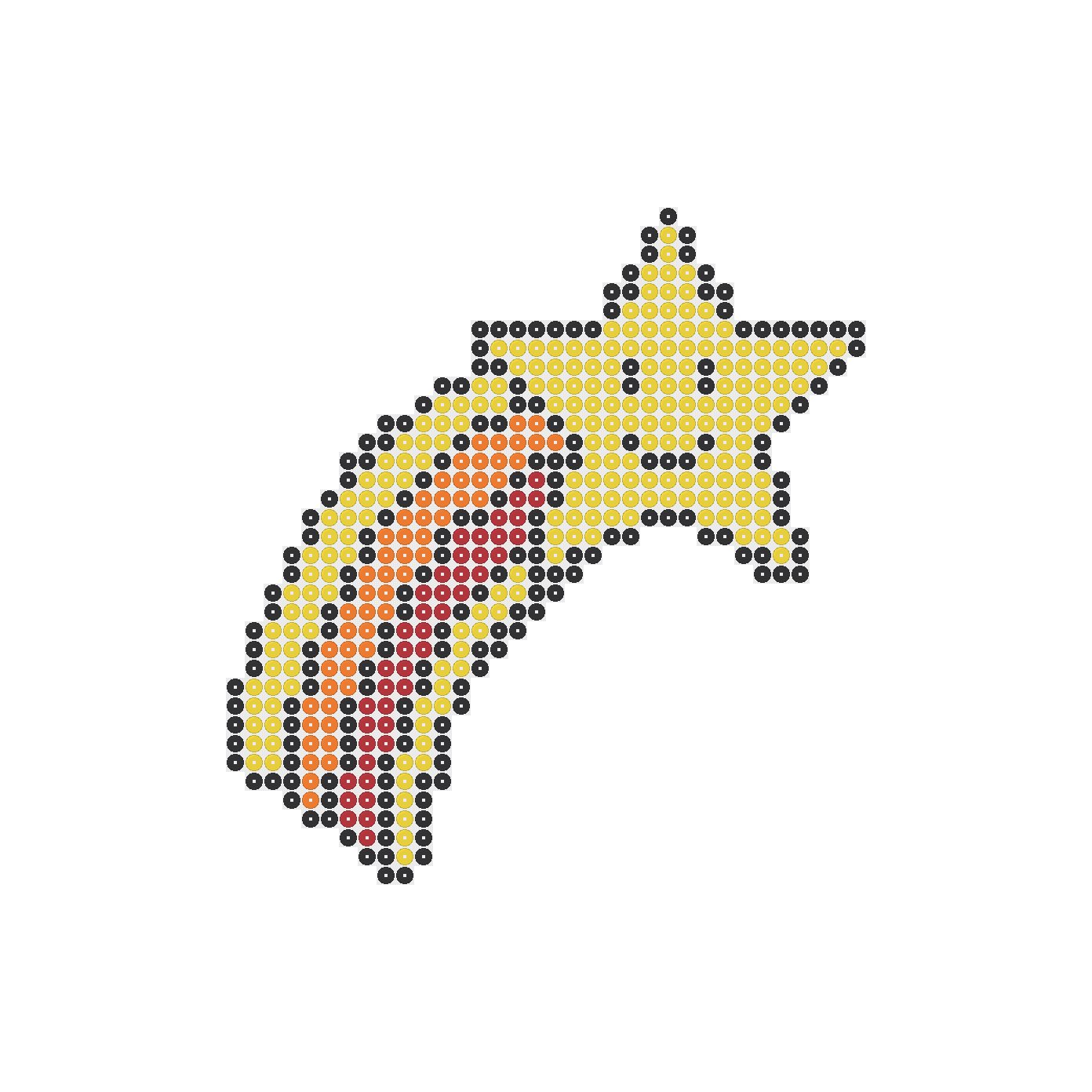
Follow the Pattern and Check Each Row
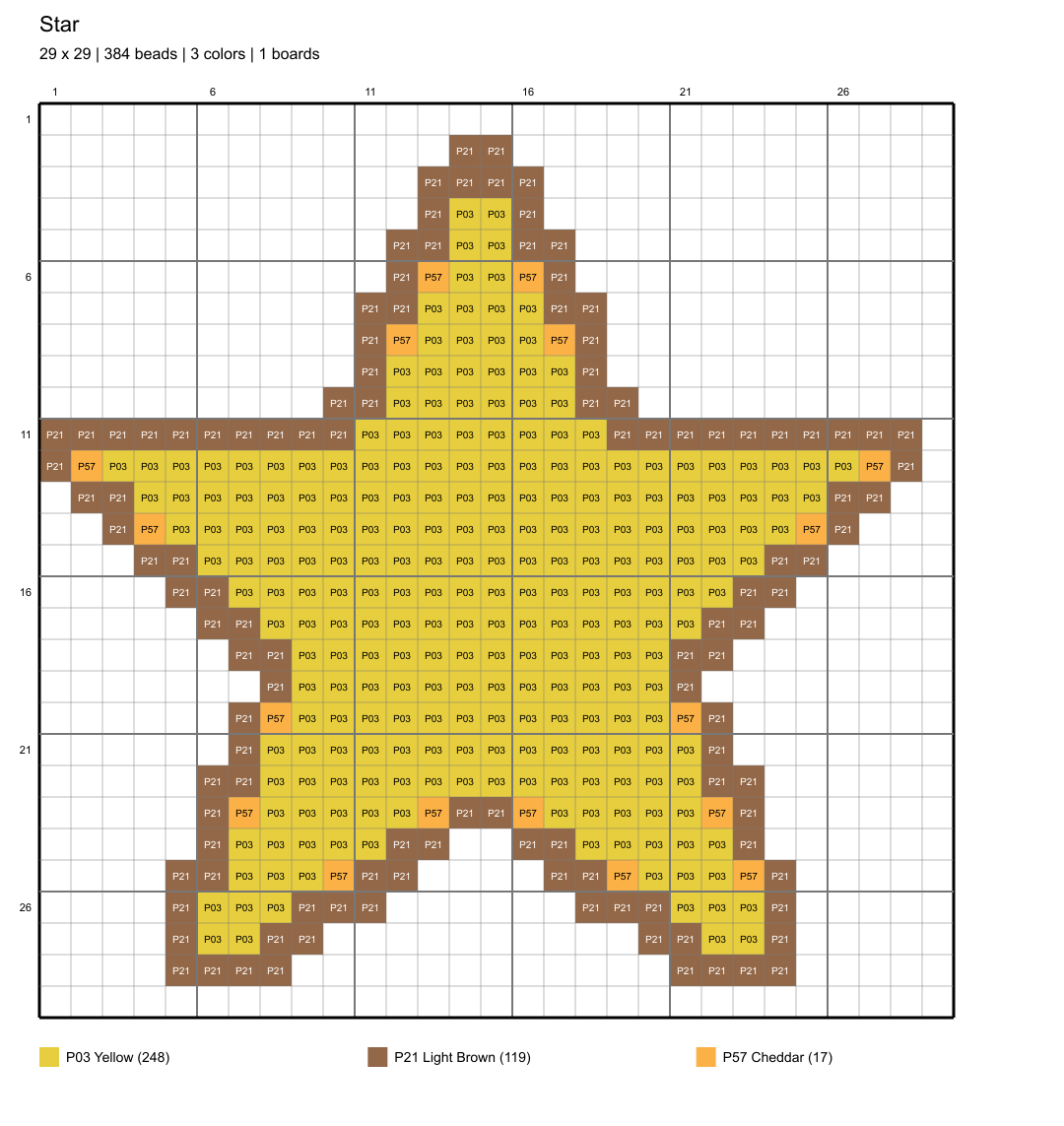
Locate a row
Place your chosen Perler beads star pattern where you can see the chart beside your board. Find the first occupied row and count the empty positions before its first bead. This gives you a starting point without treating the edge of the picture as the bead outline.
Check each row
Work across a row, checking both the bead color and the number of positions before moving down. At a point or corner, count carefully where the next row begins. Empty spaces matter too, especially where two parts of a design sit close together on the chart.
Review the chart
Check your Perler beads star layout against the chart before applying heat. Look for missing beads, extra beads, and colors placed one position off. For the fusing stage, use the ironing guide, with ironing paper and an adult handling the iron, rather than guessing from a finished craft photo.
Change Bead Colors and Download Your Pattern
Open the Perler beads star pattern from its preview image or the Open in Designer button. You need no account. Once it opens, you can draw, erase, or change bead colors while looking at the pattern you selected, rather than starting from a blank board.
Try a color change on your Perler beads star before committing your supplies to the project. Use Undo if you prefer the earlier choice, or Redo to restore a change. Watch the updated totals as you edit, especially if you add or remove beads instead of only changing their colors.
Download your edited Perler beads star pattern as a PNG or PDF when you are ready to use it beside your board. Open the saved file and check that the whole pattern is visible. If you print it, use the chart positions as your reference, not assumed life-size spacing.
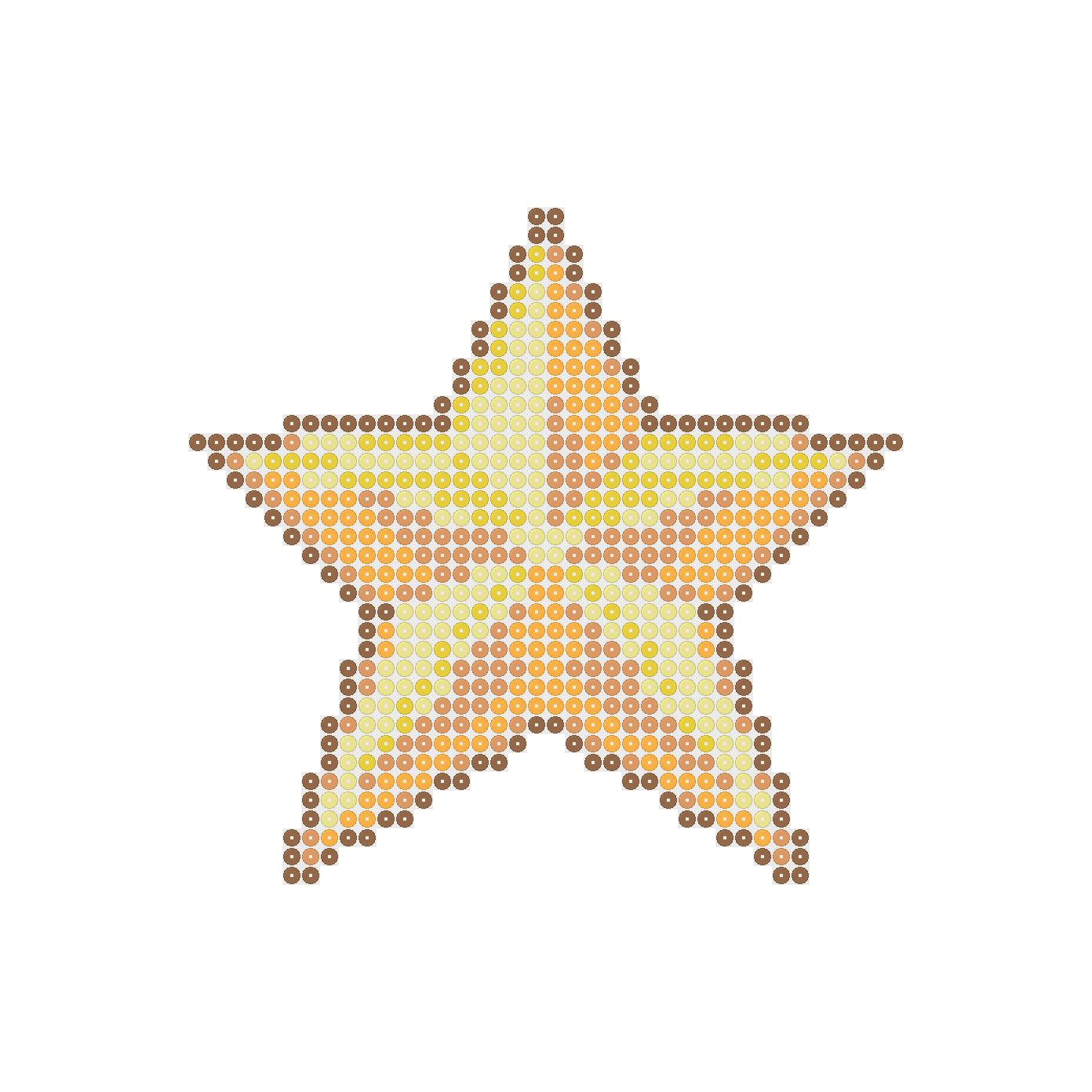
Compare bead preview and placement chart
Pick Your Next Star, Moon or Related Project
Plan another project
After one Perler beads star project, choose a different subject rather than repeating the same chart in new colors. The star medal offers another named design to compare. The star and moon comes in both 29×29 and 58×58 pattern spaces, giving you a board-size choice.
Browse collections
Compare supplies before moving to the larger moon design: it uses 691 beads in six colors, rather than the smaller version's 266 beads in two colors. If you want to stay with one board but change themes, look at the starfish and its four bead colors.
Prepare for fusing
You can also leave the Perler beads star theme and browse Cat Perler beads or Flower Perler beads projects. The cat collection has eight patterns, and the flower collection has five. For your own idea, the blank printable page provides 29×29 and 58×58 charts to draw on.
Frequently asked questions
Choose a pattern, gather its listed 5mm beads and boards, and place the beads according to the chart. Check each row and color before heating. Open the preview in Designer if you want to change the design first, then download a PNG or PDF to follow beside your board.
The 29×29 star pattern needs 384 beads, and the 58×58 star pattern needs 626. Other designs have different totals, so check the exact pattern you choose. Board capacity is not your supply list: empty positions do not need beads, even when the design uses four boards.
No, these patterns use 29×29 boards rather than requiring a star-shaped pegboard. A 29×29 pattern uses one board, while a 58×58 pattern uses four arranged as a square. Follow the occupied positions shown in the chart and leave the surrounding positions empty instead of filling the whole board.
Yes, you can change bead colors in Designer before downloading the pattern. Open it from the preview image or the Open in Designer button, make your changes, and check the updated totals. Undo and Redo let you revisit edits. Download the result as a PNG or PDF without creating an account.
The collection has nine patterns: stars, shooting stars, and star and moon designs in both 29×29 and 58×58 sizes, plus a 58×58 star medal, a 29×29 starfish, and a 58×58 star ornament.
Perler says an adult should operate the iron. Place the pegboard on a flat, heat-safe surface, cover the beads with ironing paper, and use medium heat without steam. Move the iron in circles without pressing down.
The blank printable page provides 29×29 and 58×58 charts to draw on. Choose the chart size for your idea, then mark the bead positions and colors you want to use.
More patterns and help
Perler Bead Patterns
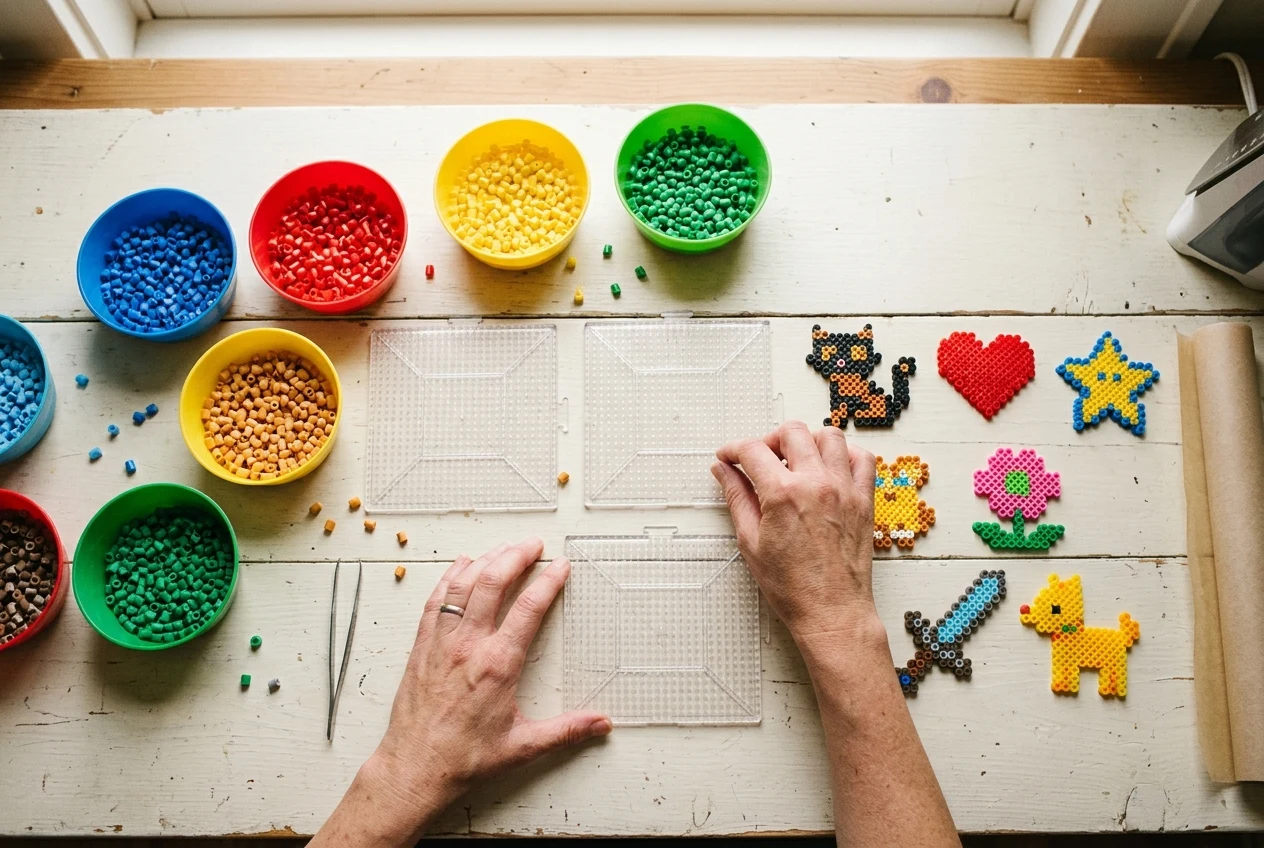
Choose another pattern by how many beads it needs and whether you have enough left after your star.
Perler Bead Guides
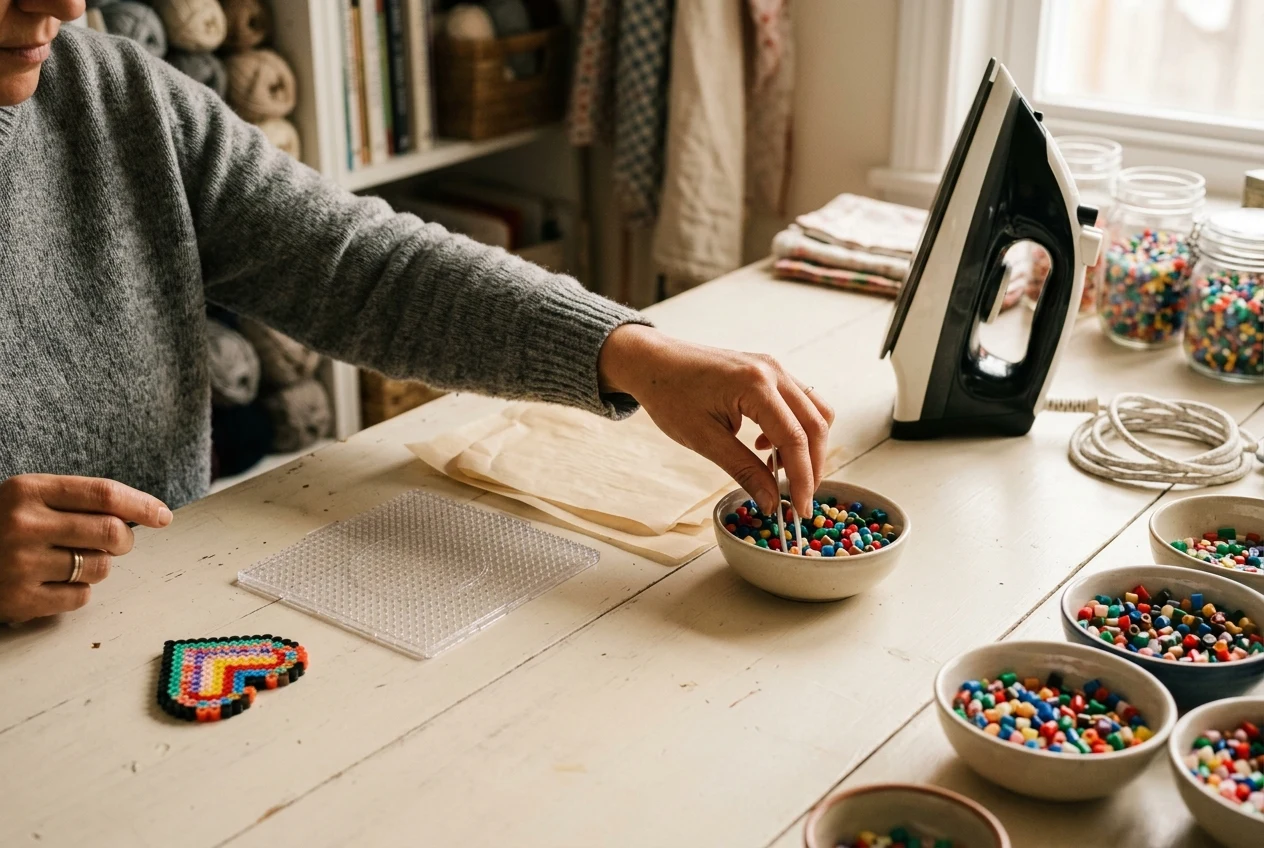
Learn how to cool and turn your star safely before fusing beads on its other side.

Perler Bead Printables
Draw your own shooting star on a printable grid, choosing squares for one or four boards.
Try another color for your star.
Open a star pattern, test different bead colors, and undo changes until you have a design you want to download.