Printable Perler Bead Grid
A printable Perler bead grid gives you blank squares where you can draw a design before placing beads on a pegboard. Choose a 29×29 sheet for one board or a 58×58 sheet for four boards, then download a PDF. Use the squares to plan outlines, mark bead colors, and check your rows. The paper is a planning sheet, so check its printed size rather than assuming it fits directly beneath your board.
Download Grid
Download a blank grid
841 empty spaces, 0 beads. This is a blank grid. Print size has not been calibrated to your board.
Choose a 29×29 or 58×58 Grid
Choose your Perler bead grid by the number of pegboards you want to use. The 29×29 option has space for a design on one 29×29 board. The 58×58 option covers four of those boards arranged in two rows of two, making a larger square.
Before drawing, decide whether the design should stay inside one board or cross between boards. A small shape can leave plenty of empty space around its edges. A wider picture may need the larger sheet, even when much of the background stays blank.
On the larger Perler bead grid, mark the divide after row 29 and column 29. Those lines help you see where the four boards meet. Keep important details visible near each divide so you can check that neighboring parts of your drawing line up.
Count Filled Squares, Not Every Space
A blank Perler bead grid shows available spaces, not the number of beads you need to buy. The 29×29 sheet has 841 positions, while the 58×58 sheet has 3,364. You only need that many beads if you fill every position in the design.
For a drawing with an empty background, count only the squares you have marked for beads. Count each color separately, then add those numbers together. This gives you a useful shopping check and helps you notice a color that needs more beads than expected.
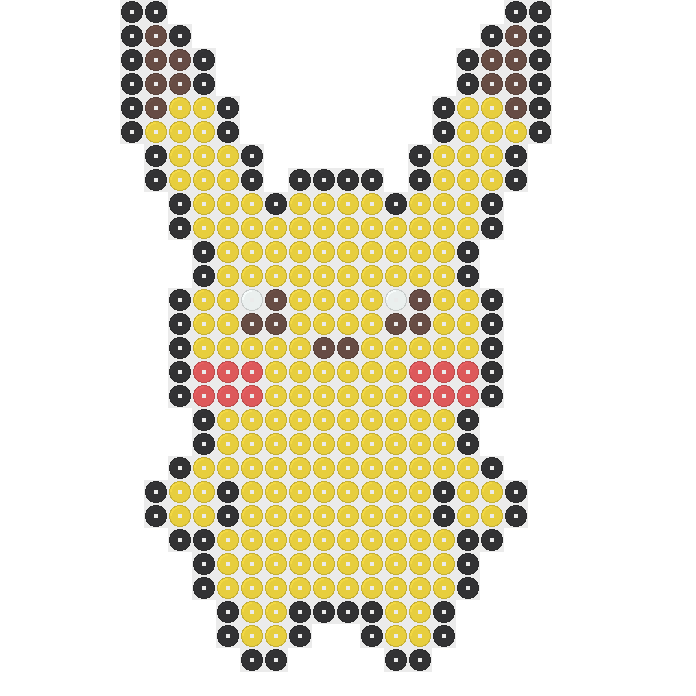
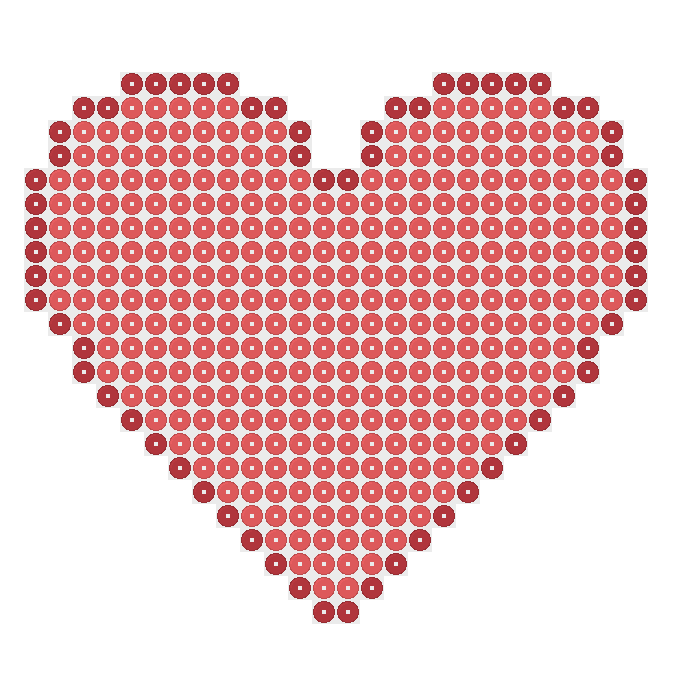
Real patterns show why sheet size and bead totals are different. The 29×29 Pikachu pattern uses 322 beads, while the 29×29 heart uses 406. Both fit one board. Your own Perler bead grid can also contain empty spaces without needing beads in those spaces.
Download PDF and Check the File
To download your Perler bead grid, use the Board size selector to choose 29×29 or 58×58, then select Download PDF. The blank sheet downloads as a document you can open for printing. Check your size choice before downloading so you have the sheet intended for your drawing.
Open the downloaded file before sending it to your printer. Check that you selected 29×29 or 58×58 and that all four edges are visible. Look at the lines near the corners, where a cropped picture could make the sheet harder to follow later.
Keep an unchanged copy of the Perler bead grid if you plan to draw on several sheets. Give your marked copies clear names, such as heart outline or flower colors. Separate copies let you compare ideas without losing the blank starting point you downloaded.
Check Print Scale and Page Edges
Check the print preview before printing your Perler bead grid. Printer settings can change how large the squares appear on paper. A setting that fits the file onto a page may shrink it, so the printed squares are not guaranteed to match your pegboard.
Inspect the margins and make sure no outside rows or columns disappear beyond the page edge. If the preview cuts off part of the sheet, adjust the print settings before using paper. After printing, compare the corners with the file you opened earlier.
If you want to place the paper beneath a board, compare several printed squares with actual peg spacing first. Check across rows and down columns, not just one square. If they do not align, use the Perler bead grid beside the board as a reference.
Draw an Outline and Make a Color Key
Start your Perler bead grid drawing with the outside edge of the shape. Mark one square for each bead position you want to fill. Leave the background unmarked unless it belongs in the finished design, and check that narrow parts remain easy to follow.
Add the inside details after the outline is clear. For a face, place the eyes and mouth before filling larger areas around them. For a flower, decide where the center ends and the petals begin. Work through one part at a time to avoid confusion.
Write a color key beside your Perler bead grid, using a letter or symbol for each bead color. Keep those marks consistent throughout the drawing. Before placing beads, scan each row and check that every marked square has a clear color in your key.
Try Your Idea in the Designer
Use your Perler bead grid sketch as a reference when changing an existing pattern in the Designer. Open that exact pattern from its preview image or Open in Designer button. You can draw, erase, undo, redo, and change bead colors without creating an account.
Compare two real one-board projects before choosing supplies. Pikachu uses 196 Yellow beads among its 322 beads, while the heart uses 340 Hot Coral beads among its 406. Both use 5 mm Perler beads, but their main colors call for different shopping quantities.
As you edit, check the updated totals, then download the pattern as PNG or PDF. Compare its rows with your Perler bead grid sketch. For a larger idea, use the 58×58 sheet to plan four boards; more available spaces do not automatically mean more beads.
Try these bead patterns
2 patterns
Frequently asked questions
Print the 29×29 Perler bead grid for one 29×29 pegboard, or choose 58×58 for four boards arranged in a square. Pick the size that gives your drawing enough rows and columns. You can leave unused positions empty, so choosing a larger sheet does not require filling its entire background.
A direct fit is not guaranteed. Print settings can change the spacing of the squares, so compare the paper with your actual pegboard before placing it underneath. Check alignment in both directions across several positions. If the spacing differs, keep the sheet beside the board and follow it row by row.
You need 841 beads only if every position on the 29×29 Perler bead grid is filled. For an outline or a shape with an empty background, count the marked squares instead. Separate that count by color before buying supplies. The verified one-board Pikachu pattern, for example, uses 322 beads.
Yes, you can open an existing pattern in the Designer and change it before downloading. Use its preview image or Open in Designer button, then draw, erase, or change bead colors. Undo and redo help you compare changes. Check the updated totals and download your edited pattern as PNG or PDF.
Yes. Enable JavaScript to choose a size and download your Perler bead grid as a PDF. Use the Board size selector to choose 29×29 or 58×58, then select Download PDF. Open the downloaded document and inspect its edges before printing.
The verified 29×29 Pikachu and heart patterns both use 5 mm Perler beads and one pegboard each. Pikachu has 322 beads in five colors; the heart has 406 beads in two colors.
For Perler bead grid ideas, browse 42 unique patterns: Pokemon has 11, including six Pikachu designs; Star has nine; cat has eight; flower has five; heart has six; and Minecraft has three.
More patterns and help
Perler Bead Patterns
Compare finished pattern charts to see how outlines and color changes can fit your sketched board layout.
Perler Bead Guides
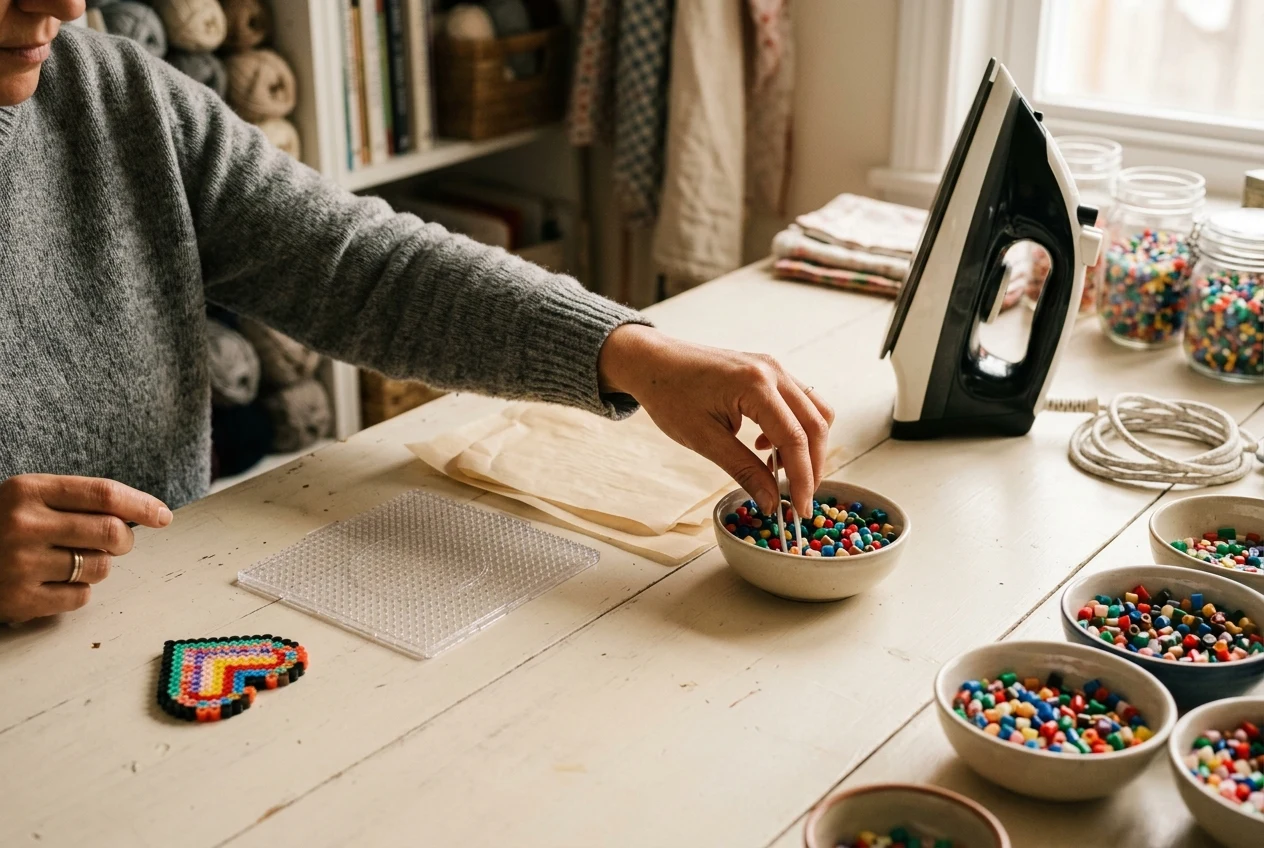
Once your paper sketch becomes a bead arrangement, follow the ironing guide to fuse it safely.
Perler Bead Printables
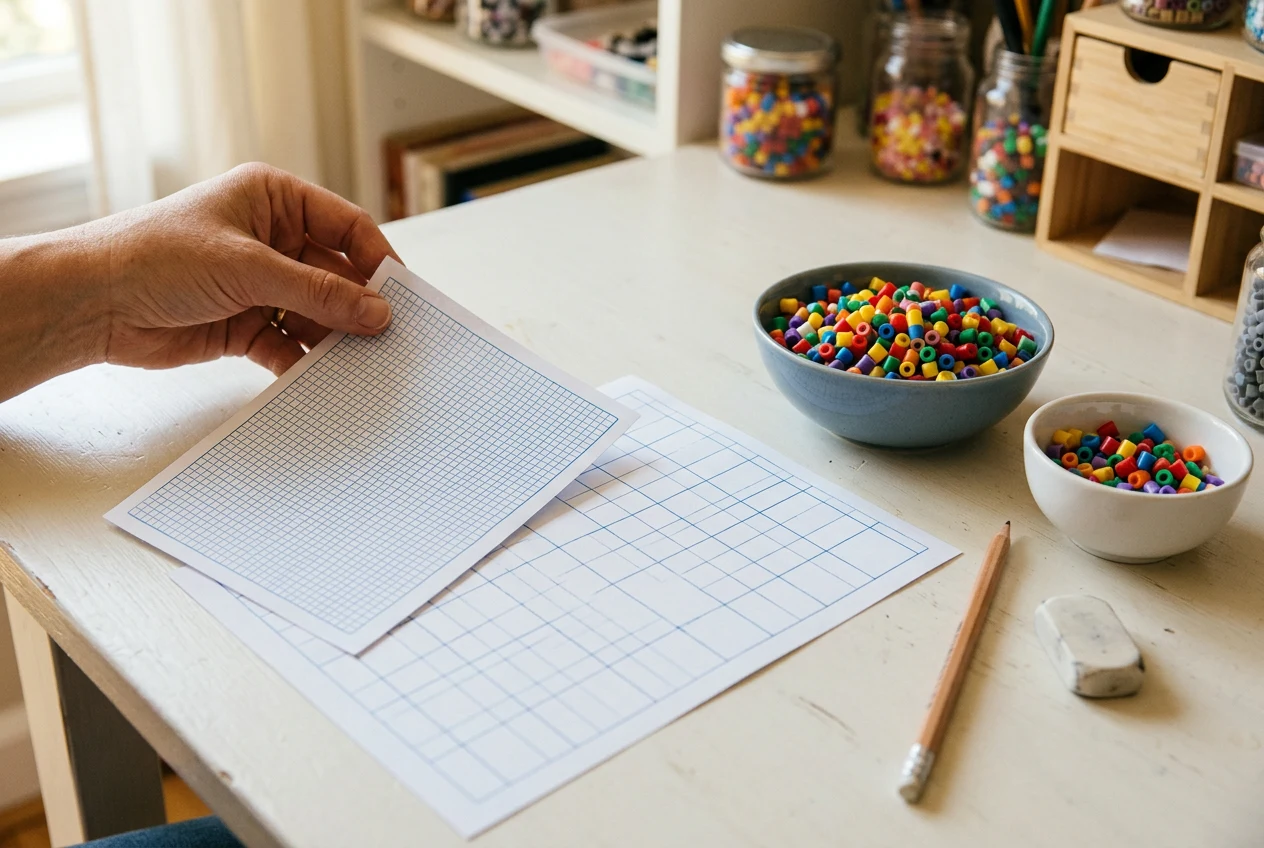
Return to the printable directory to find both PDF grid sizes for planning designs by hand.
Try your paper sketch on screen.
Draw and erase beads to test your outline, check how many beads your edited design needs, then download your filled design as a PNG or PDF.