Perler Bead Printables
Perler bead printables give you a blank paper grid for drawing a bead design before you start placing beads. This directory has one printable grid page, with 29×29 and 58×58 options to download as PDF. Choose a size that matches your boards, sketch your idea, and mark the colors you need. You can also compare existing patterns or open a pattern in the Designer when you would rather make changes on screen.
Open Designer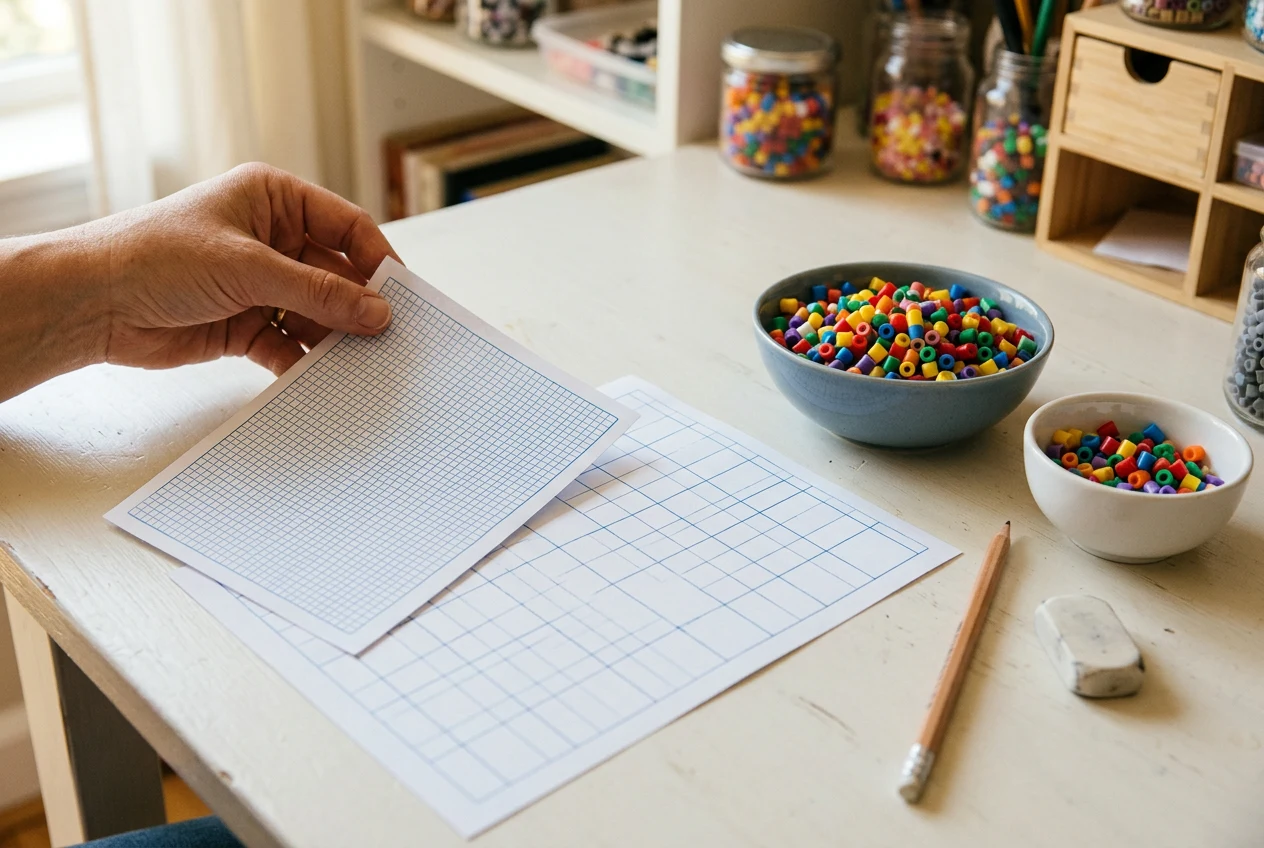
Printable grids
Choose a 29×29 or 58×58 Blank Grid
The single blank grid page in Perler bead printables offers two sizes, so start by checking your pegboards. A 29×29 pattern space uses one 29×29 board. A 58×58 pattern space uses four of those boards arranged together, giving you more room to draw. The larger grid has twice as many rows and columns.
Choose the smaller sheet when you want to keep the whole drawing within one board. Choose the larger sheet when your idea needs space across four boards. Check the number of rows and columns rather than judging the board requirement from the picture alone.
Both sizes are available as PDF downloads on the same page. You do not need to search for separate printable pages for each size. Pick the size first, then download the PDF from Perler bead printables before starting your sketch.
Count Filled Squares, Not Every Space
A blank sheet shows available spaces, not the number of beads your finished drawing will need. In Perler bead printables, the 29×29 grid has 841 positions. The 58×58 grid has 3,364 positions. Those totals apply only if you fill every position with a bead.
For a drawing with empty space around it, count only the squares you have marked for beads. Separate that count by color as you work. A row with six yellow squares and two black squares needs eight beads, regardless of the empty squares nearby.
Keep a running total beside your drawing, especially when you erase or add parts. This makes Perler bead printables useful for planning supplies without confusing board capacity with your actual design. Recount changed rows before buying beads or sorting them into small dishes.
Check the Print Before Using It
Download your chosen sheet from Perler bead printables, then inspect the file before printing. Make sure the outer edges and all rows are visible. Use the print preview to check that the page does not cut off part of the grid at the margins.
Printer settings can change how large the squares appear on paper. Check the selected paper size, page direction, and scaling setting before printing a test sheet. A readable reference does not have to sit beneath your pegboard; you can follow it beside the board.
If you want to place a sheet beneath a clear board, compare several printed squares with the peg spacing first. Adjust and test again if they do not line up. Perler bead printables do not promise that a download will print at matching pegboard scale.
Draw a Pattern and Make a Color Key
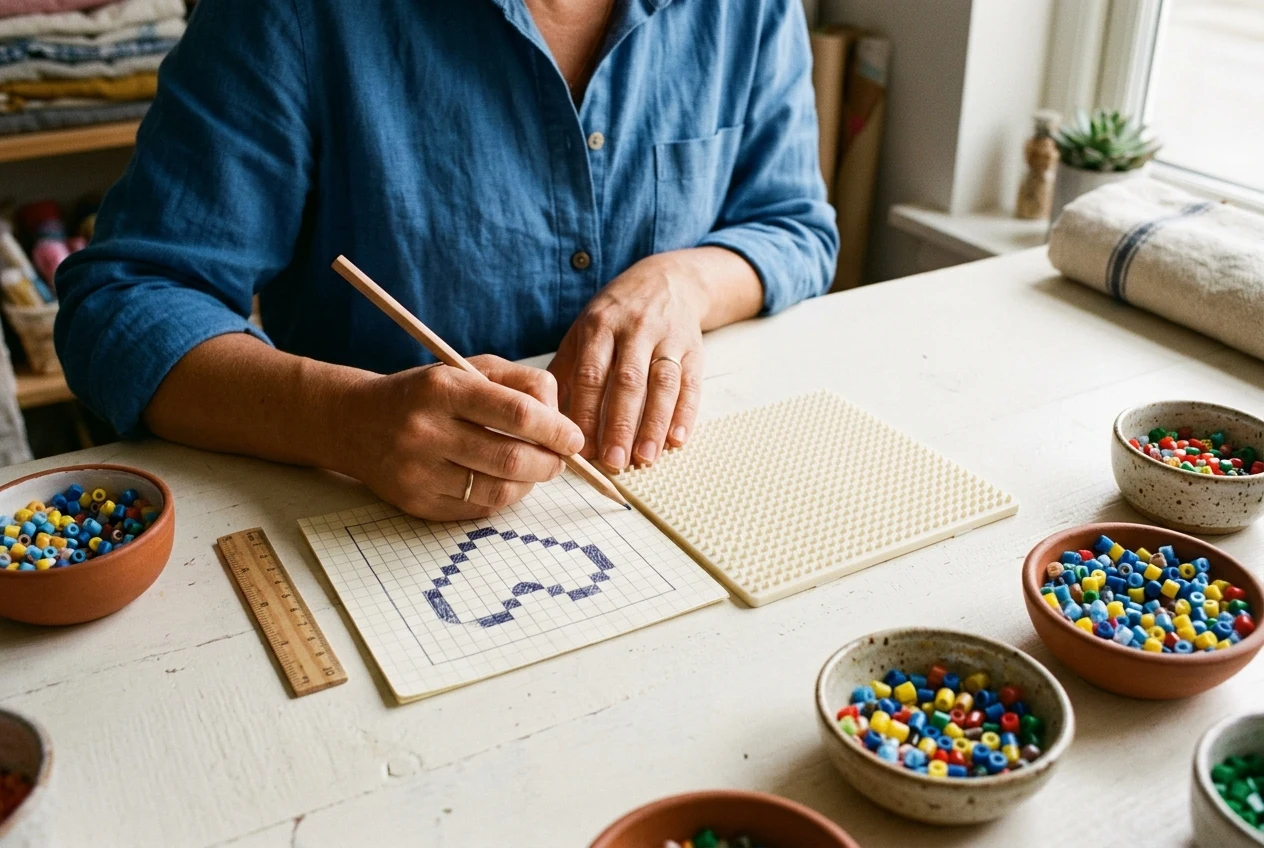
Use Perler bead printables to map out an idea with pencil before committing to colors. Mark the outside edge first, then check whether the shape fits inside your chosen grid. Leave unused squares blank so you can tell the design apart from the surrounding space.
Fill the inside a row at a time, keeping details such as eyes or small marks clear. Give each bead color a letter or symbol in a key beside the drawing. This helps distinguish similar shades when your pencil colors do not match your beads.
Before using your drawing, read it back from top to bottom and check every symbol against the key. Make any corrections on the paper while the board is still empty. With Perler bead printables, this check lets you settle the layout before placing beads.
Compare Real Patterns Before Drawing
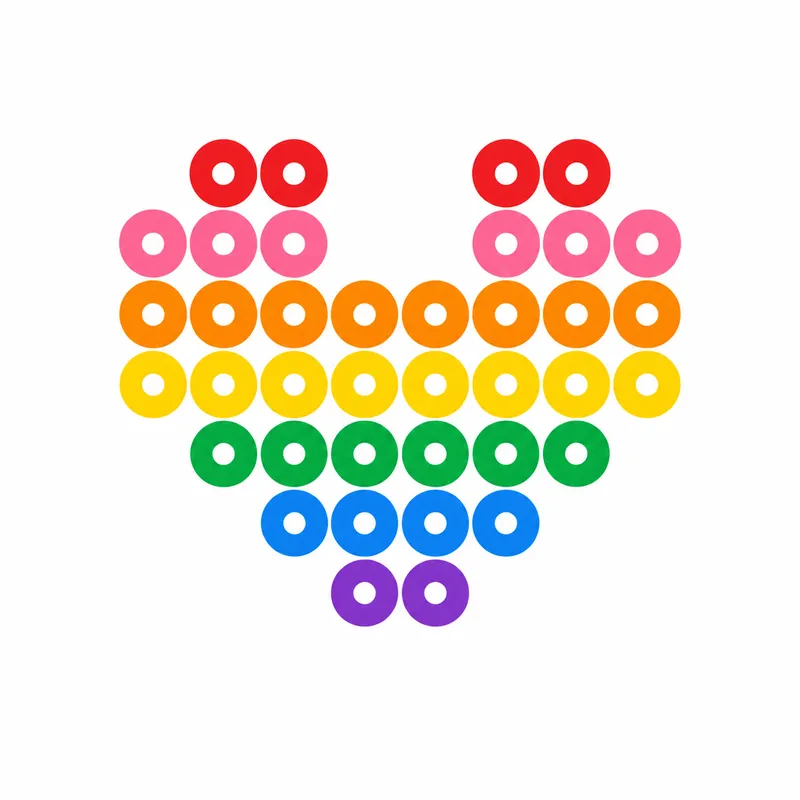
Existing designs can help you judge how much space and how many colors your idea might need. Compare Perler bead printables with the 29×29 heart pattern, which uses 406 beads in two colors. Its supplies are 66 Red beads and 340 Hot Coral beads.
For another one-board example, the 29×29 Minecraft pickaxe uses 77 beads in six colors. It needs fewer beads than the heart, but more separate colors. This shows why checking both the total and the color choices matters when deciding what you have available.
The 58×58 tulip uses four boards but only 555 beads, rather than filling all 3,364 positions. Its six colors include Black, Hot Coral, Red, Cranapple, Dark Green, and Green. Use comparisons like these when choosing a blank size from Perler bead printables for your idea.
Choose Paper Planning or the Designer
Perler bead printables suit ideas you want to sketch by hand, annotate with pencil, or keep beside your bead supplies. The Designer is another choice when you want to change an existing pattern and have the bead totals update as you make those changes.
Open an exact pattern through its preview image or the Open in Designer button. You can draw, erase, undo, redo, and change bead colors there. Download the resulting pattern as PNG or PDF after checking your changes. No account is required to use these features.
A paper sketch does not automatically become a pattern in the Designer. Treat the two approaches as separate ways to plan your work. Choose Perler bead printables for a handwritten drawing, or start with an existing design when on-screen changes and updated totals are more useful.
Frequently asked questions
This directory includes one blank printable grid page with two sizes: 29×29 and 58×58. Each size is available as a PDF download. The sheets are for drawing your own design, rather than following a filled pattern. Choose between them based on whether your drawing needs one board or four.
Matching pegboard scale is not guaranteed. Your printer settings can change the size of the squares, so print a test and compare several squares with your board before placing the sheet underneath it. Check scaling and cropping if the spacing differs. You can also use the sheet as a reference beside the board.
You need one bead for each square your design fills, not for every square on the sheet. A completely filled 29×29 grid would use 841 beads, while a completely filled 58×58 grid would use 3,364. Count your marked squares by color to work out the supplies for your actual drawing.
The directory’s blank grids are for paper planning. For on-screen changes before downloading, choose an existing pattern and open it through its preview image or Open in Designer button. The Designer lets you draw, erase, change bead colors, and undo or redo edits, with bead totals updating as you work. Your edited pattern can then be downloaded as PNG or PDF without an account.
The pattern collections contain 42 unique designs: Pokemon has 11, including six Pikachu patterns; Star has nine; cat has eight; flower has five; heart has six; and Minecraft has three. Browse these for drawing ideas.
The heart, Minecraft pickaxe, and tulip examples use 5 mm Perler beads. Their listed board counts are one, one, and four respectively, matching their 29×29, 29×29, and 58×58 pattern spaces.
No. A drawing on a blank printable grid remains a paper plan; it does not automatically become a Designer pattern. Keep it beside your board as a reference when placing beads.
More patterns and help
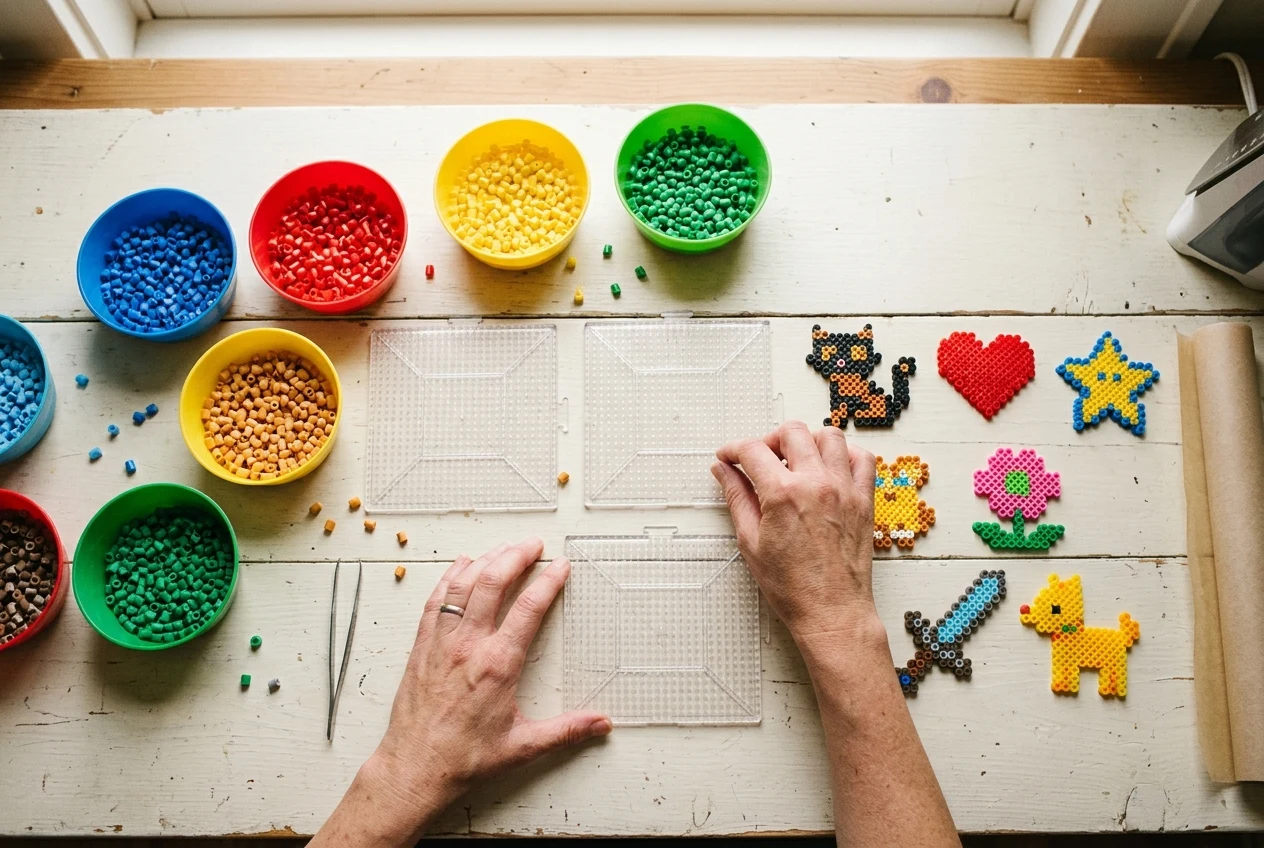
Adapt an existing design instead of sketching.
Load a pattern, draw or erase beads to reshape it, and use undo to compare changes before downloading a filled PNG or PDF.